2025 BTS FESTA
HYBE 2025 BTS FESTA
AR Photo Zone · Voice Zone · Spatial laser design
KINTEX Exhibition Center 2, Halls 9–10 · Goyang, Gyeonggi-do
June 13–14, 2025 · BTS 12th-anniversary offline event
Wave an ARMY BOMB to draw with light. Lift a receiver to hear a member’s voice.
Lasers fill the space.
To ARMY, after 12 years together:
A greeting through light and voice
The 2025 BTS FESTA offline event brought around 20 photo spots, exhibitions and activities to Halls 9 and 10 of KINTEX Exhibition Center 2. KNOVCOMPILE created three experiences inviting visitors to move, listen and take a photograph home.
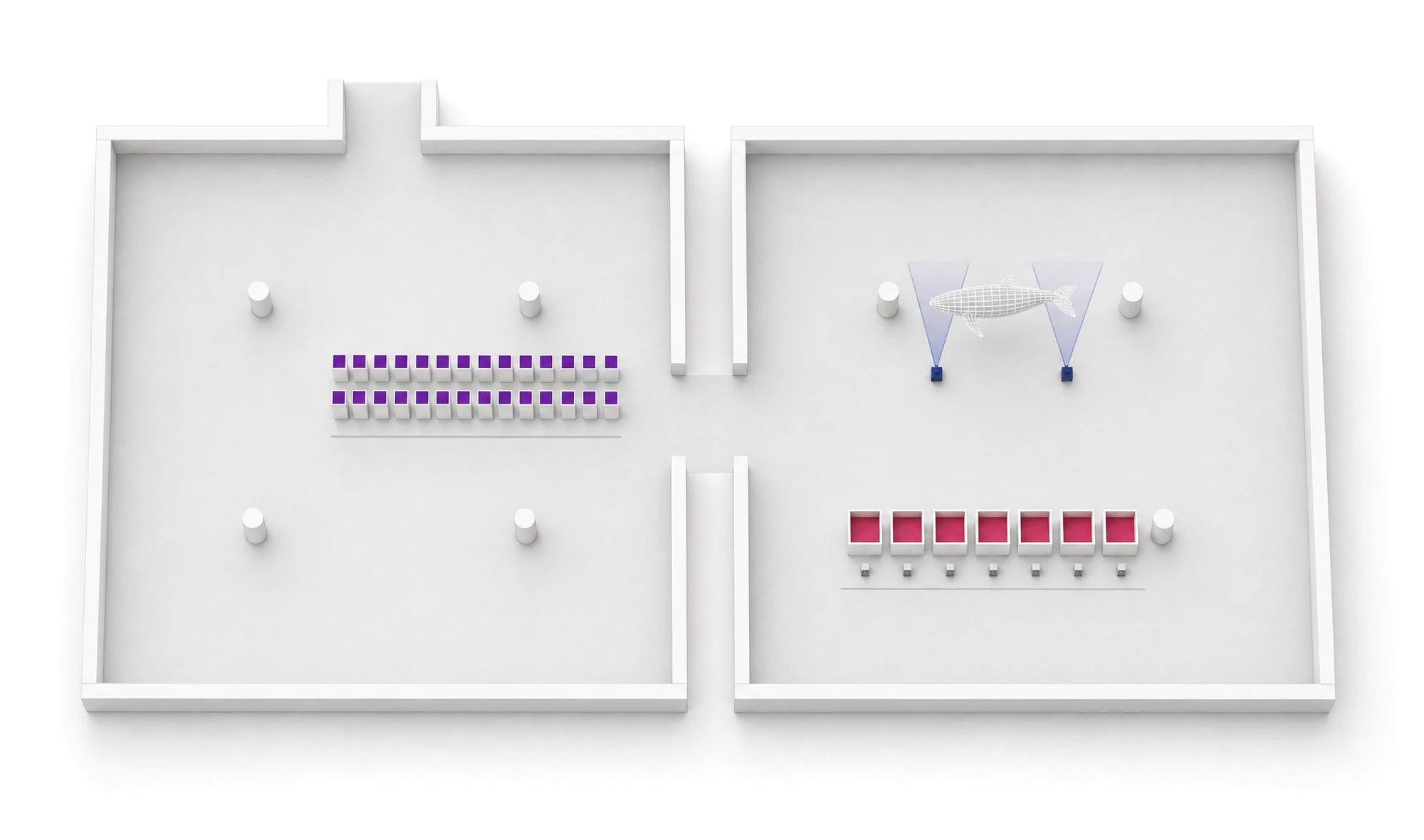 B Voice Zone C Spatial laser lighting A AR Photo Zone
Enlarge the three experience locations
- ARMY BOMB Photo Spot Lighting show on the hour from noon
- Photo card printing
- B Voice Zone Receiver and tablet interaction · KNOVCOMPILE
- DIY Zone (sachets)
- Trophy Zone
- HYBE Zone ARMY ZONE · MERCH · Weverse
- Archive Zone
- A AR Photo Zone ‘2! 3! Click!’Capture and printing system · KNOVCOMPILE
- C Whale Photo Spot Surrounding spatial laser lighting · KNOVCOMPILE
- Spotify playlist
- BTS lockers
- Game Zone
- Pin button DIY
- Coloring wall
How the experience unfolds
 Choose a color at the kiosk
 Draw with an ARMY BOMB
 Print · Download via QR
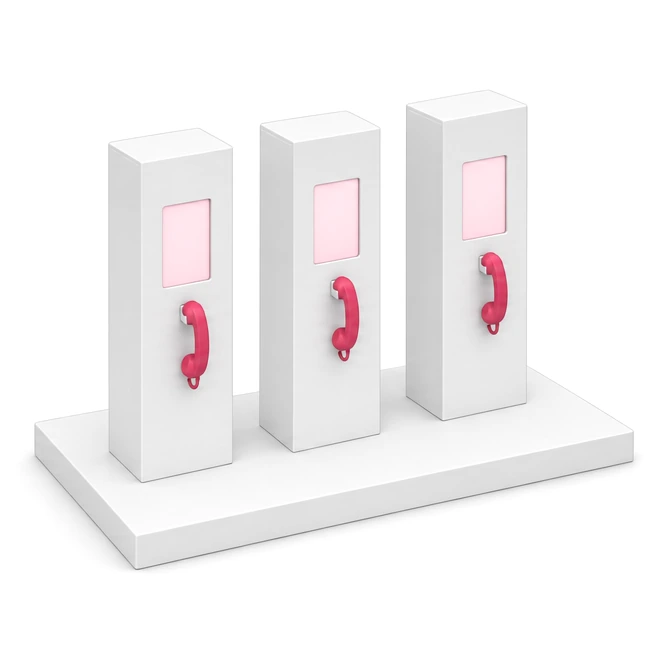 A tablet and receiver at each booth
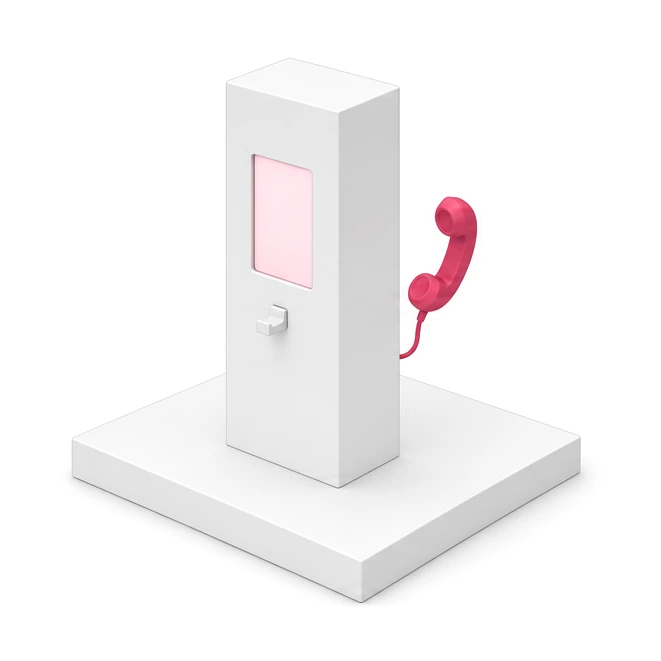 Lift the receiver to hear a member’s voice
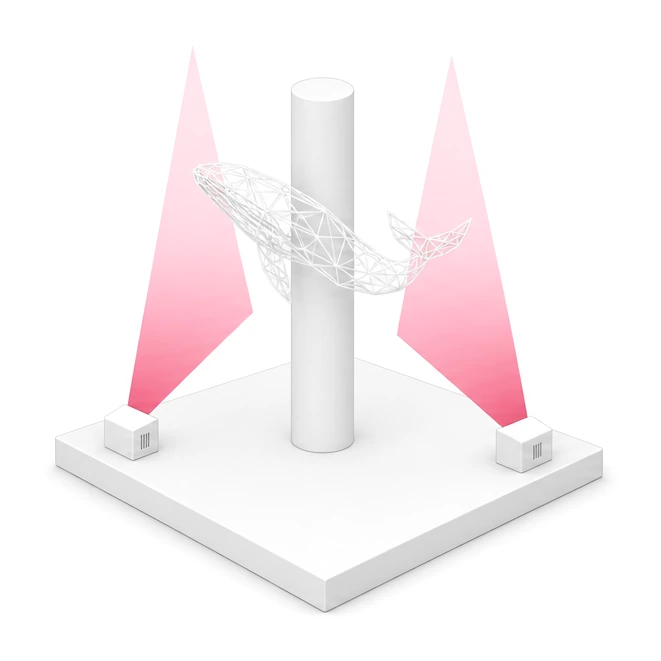 A curtain of light around the whale
Wave an ARMY BOMB,
and draw with light
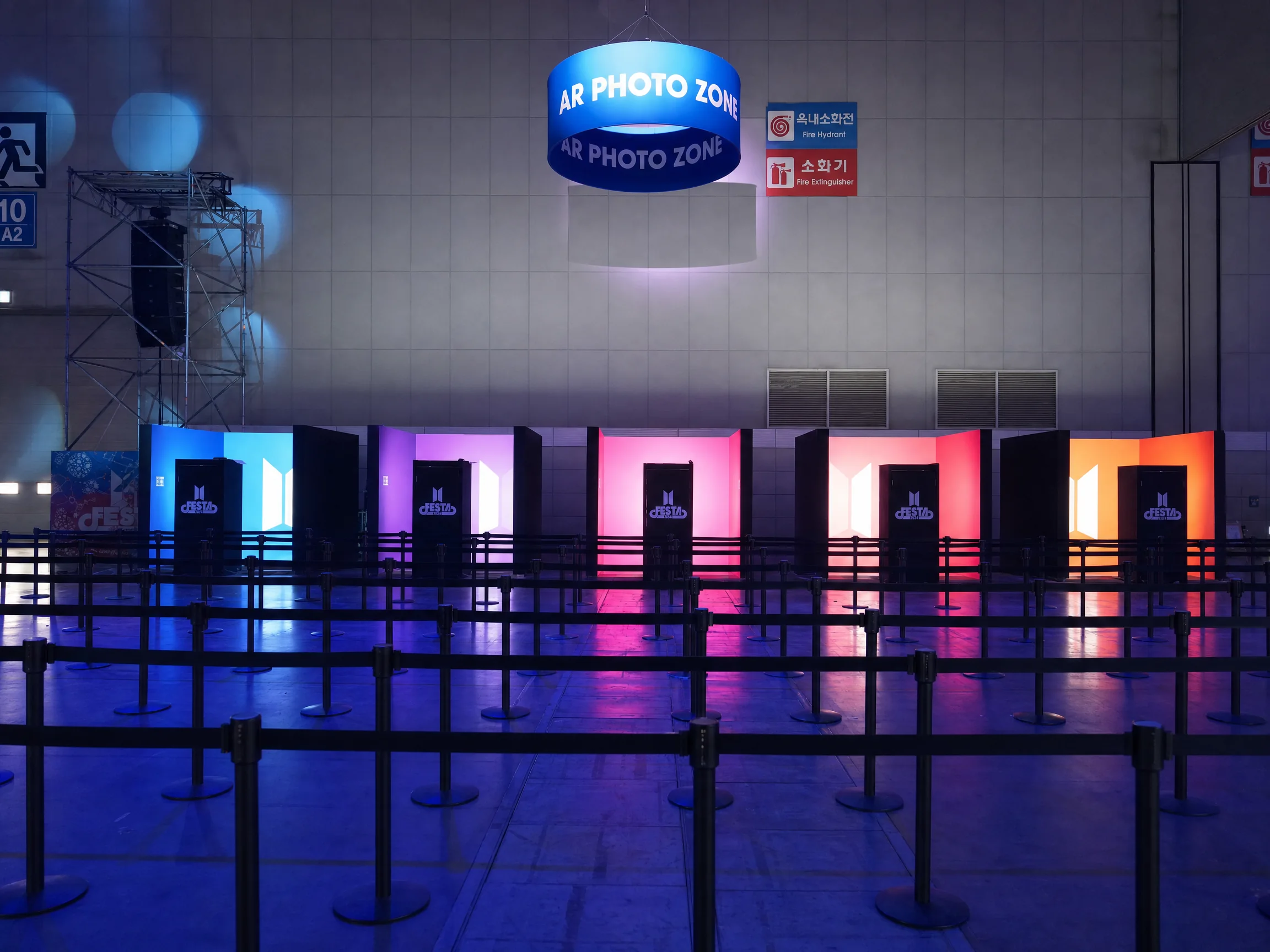
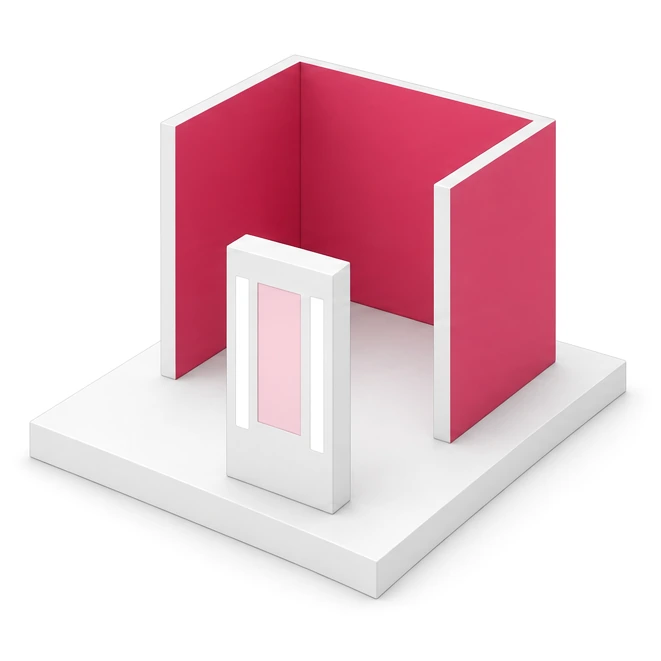
Choose a neon color at the kiosk and move your ARMY BOMB inside the booth. The camera tracks its path and draws a trail of light in real time. Strike a pose and take a photo: the image, overlaid with your trail, is printed immediately and available to download via QR.
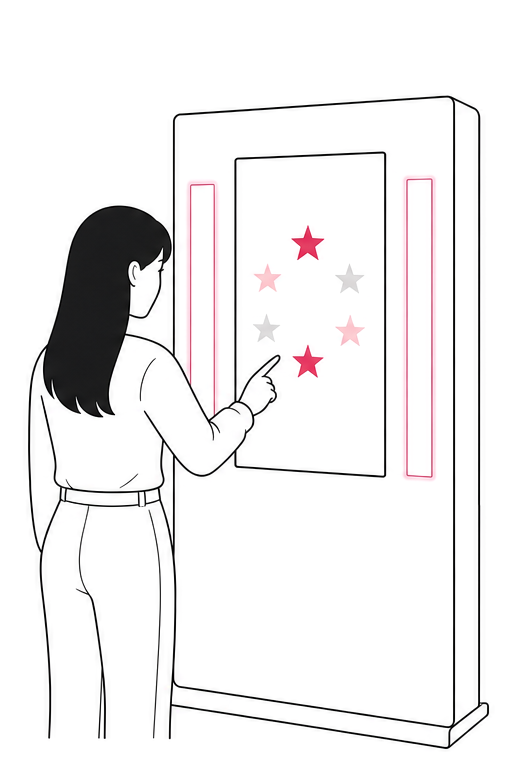 Choose a neon color
Select one of the star-shaped colors on the kiosk screen.
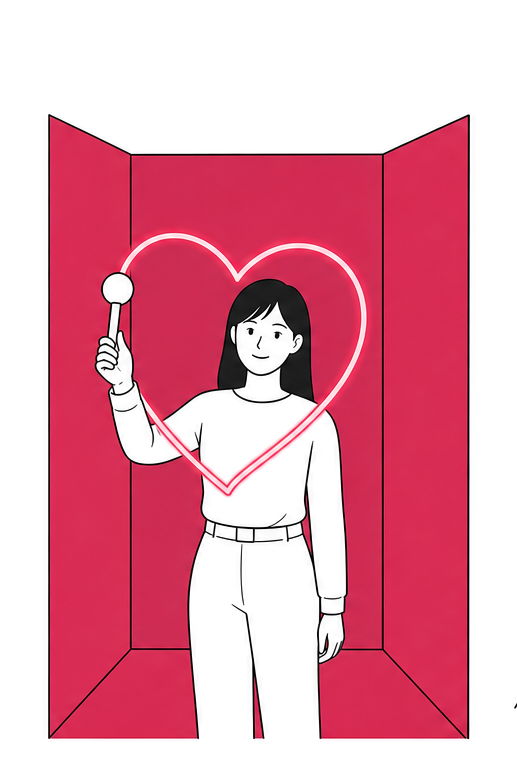 Draw with an ARMY BOMB
Move the ARMY BOMB and a neon trail follows its path.
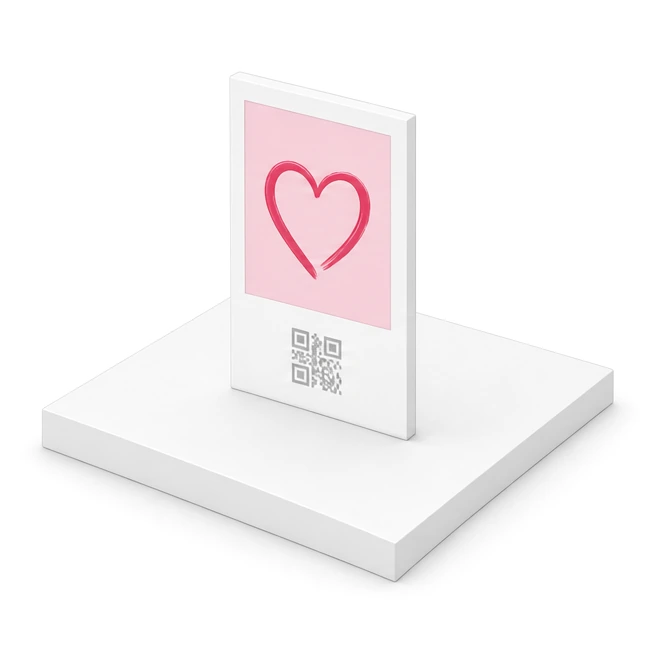
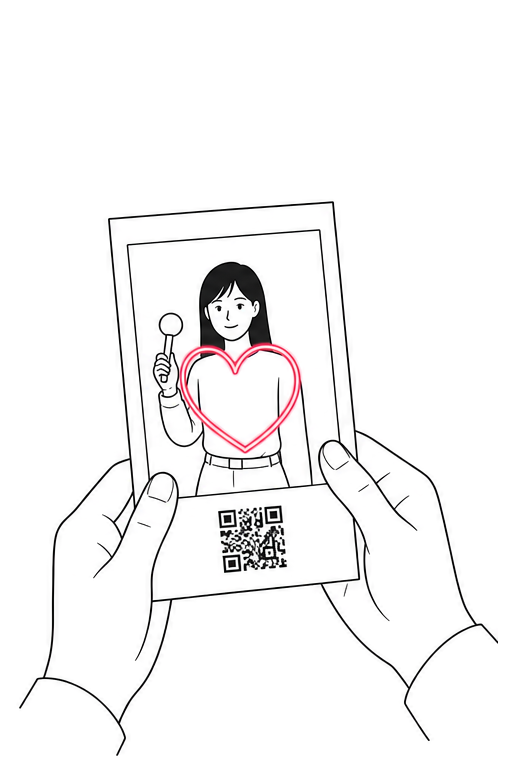 Print · Download via QR
The photo is printed, and the file is available via QR.
The 1,830 mm-tall kiosk combines a camera, portrait screen, side lighting panels and photo printer · Screen copy in Korean, English, Chinese and Japanese
A trail of light becomes a photograph
Your ARMY BOMB trail is overlaid on the photograph and printed as a 102×152mm. Download the file using the QR code below the photograph.
From ARMY BOMB tracking to neon compositing, photography, printing and QR download,
everything happens in one kiosk.
Lift the receiver,
and hear a member’s voice
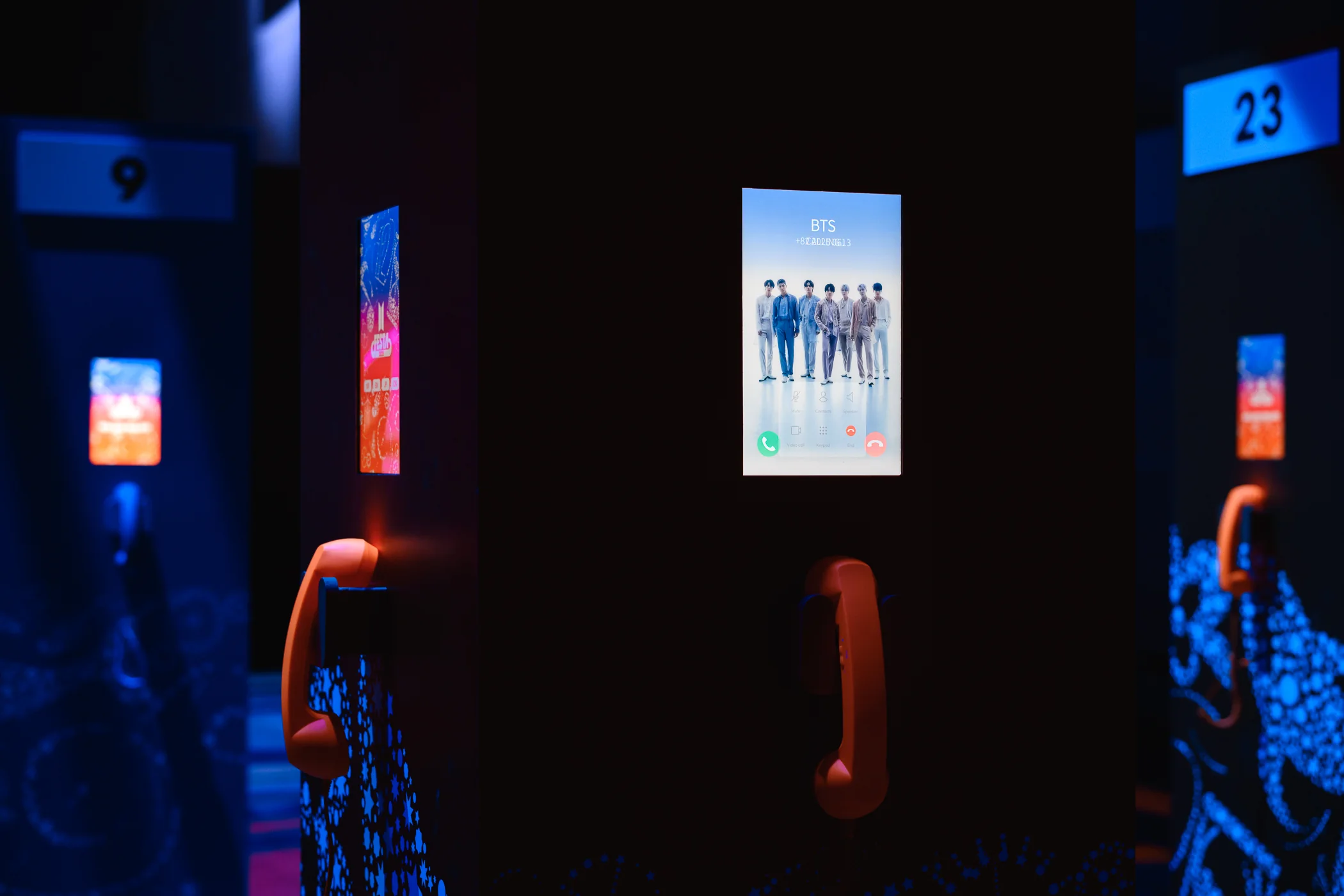
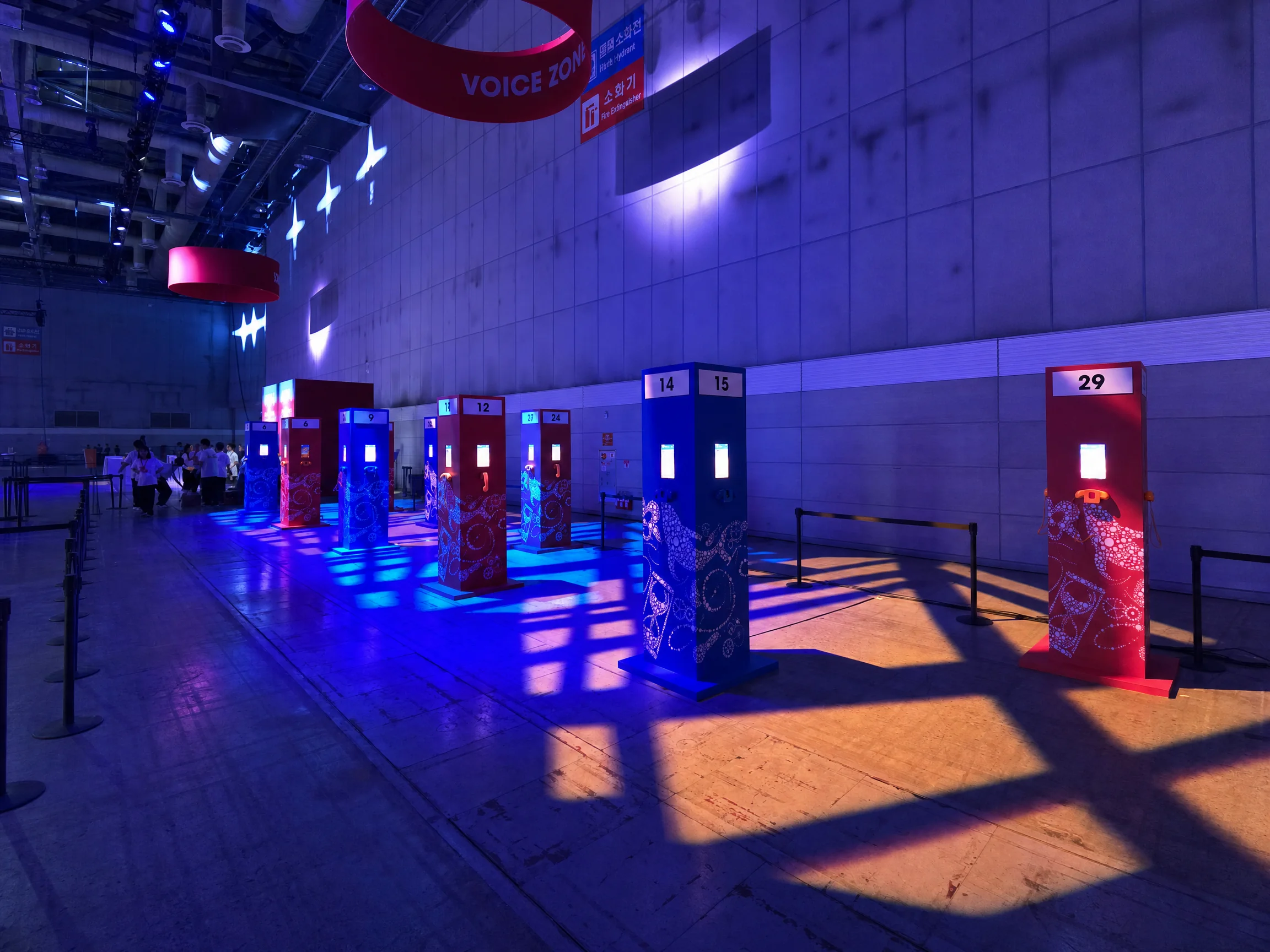
Each numbered column-shaped booth has a tablet and receiver. Select a language and hold the receiver to your ear to hear a voice message written and recorded by a member, as if on a phone call. Thirty tablets were paired with receivers.
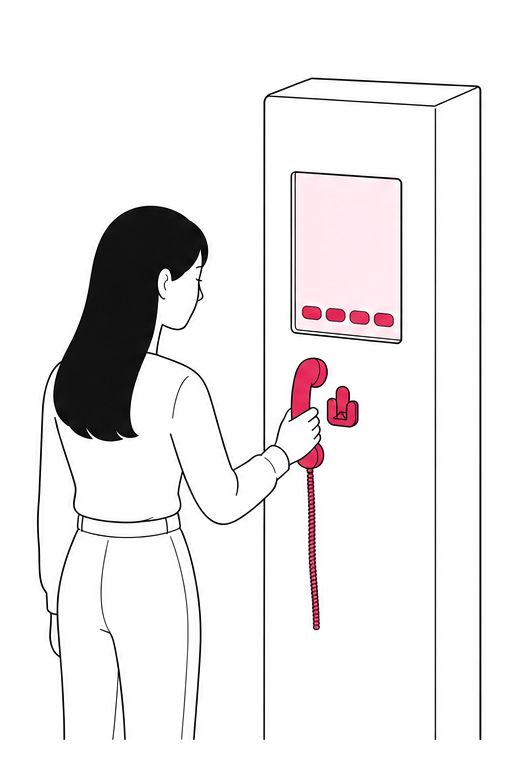 Lift the receiver
Choose a language on the tablet, then lift the receiver.
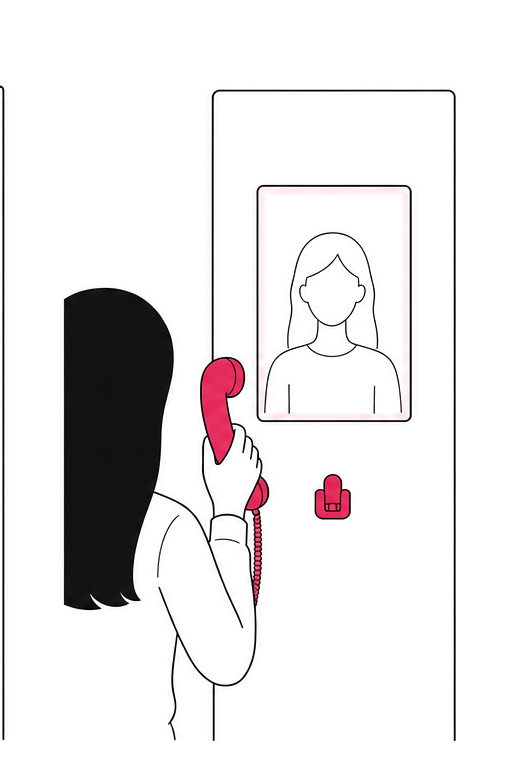 The member on screen
The member appears on the tablet screen.
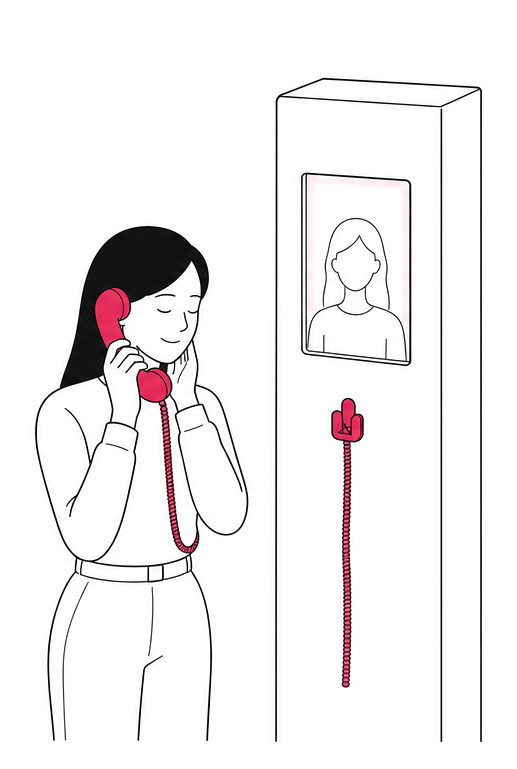 Listen to the voice
The member’s voice message plays through the receiver.
Connecting the tablet app and receiver
created an experience that feels like answering a call.
A curtain of light
surrounds the whale
Around the whale photo spot in Hall 10, we used simulation to design the laser positions and angles so that fan-shaped beams rise from either side of the column and wrap the whale in a curtain of light.
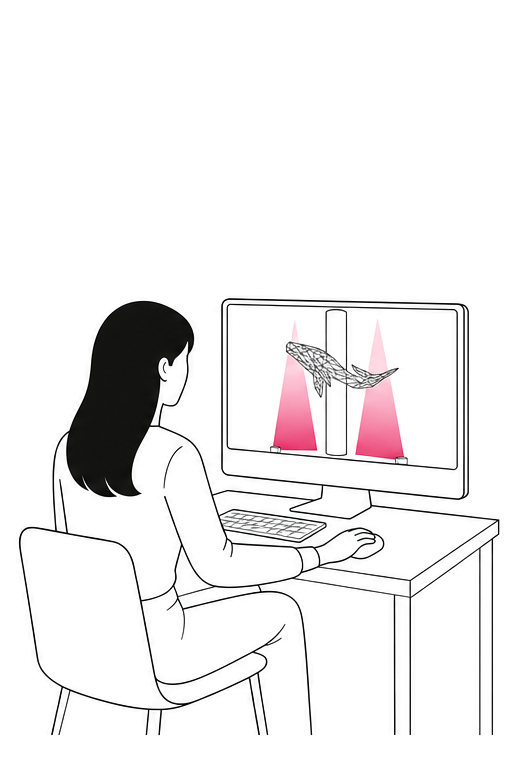 Designing through simulation
First, align the beams’ positions and angles on screen.
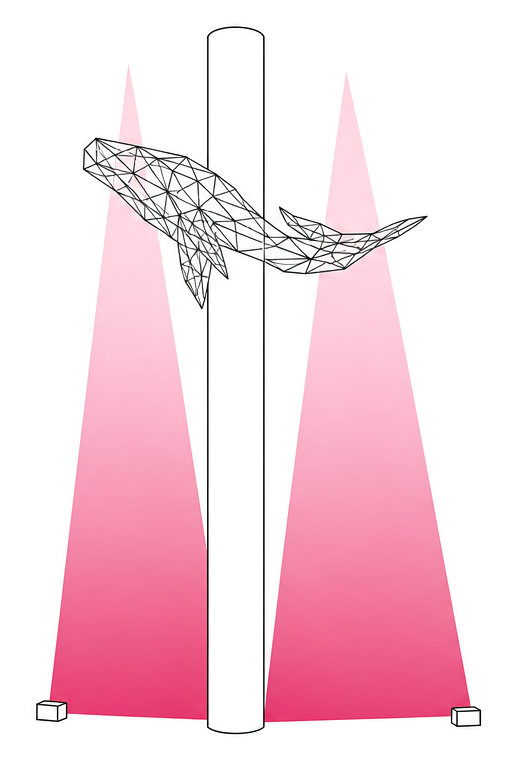 A curtain of light around the whale
Fan-shaped beams on either side of the column surround the whale like curtains.
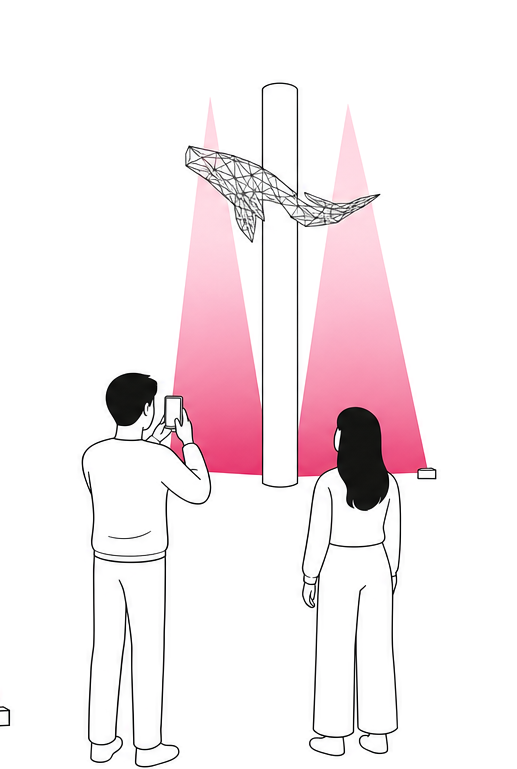 Visitors looking up
The beams and whale become the backdrop for photographs.
We designed the spatial laser lighting around the whale photo spot
through simulation.
From ARMY BOMB to photograph,
from receiver to voice, and from simulation to a curtain of light
ARMY BOMB path
Trail compositing
Neon trails in the photograph
On-site documentation
Full official event sketch
Credits
- Client
- HYBE
- Agency
- FIG
- Event
- 2025 BTS FESTA offline event
KINTEX Exhibition Center 2, Halls 9–10 - Video excerpts · Stills
- BANGTANTV
‘2025 BTS FESTA’ Sketch - AR Photo Zone capture and printing system
Voice Zone receiver and tablet interaction
Spatial laser design - KNOVCOMPILE