1F
Brand gallery
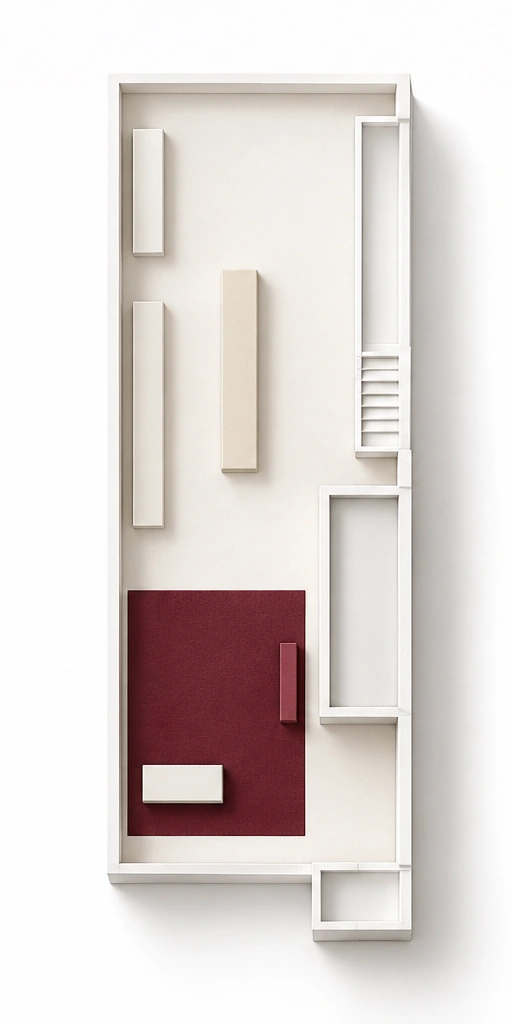 C Docent screen A Master key pickup A Product tagging
The entrance where you receive a key, tag products and discover the brands.
Discover your preferences as you explore the building with a leather master key.
Take your choices from each floor home in a single memory note.
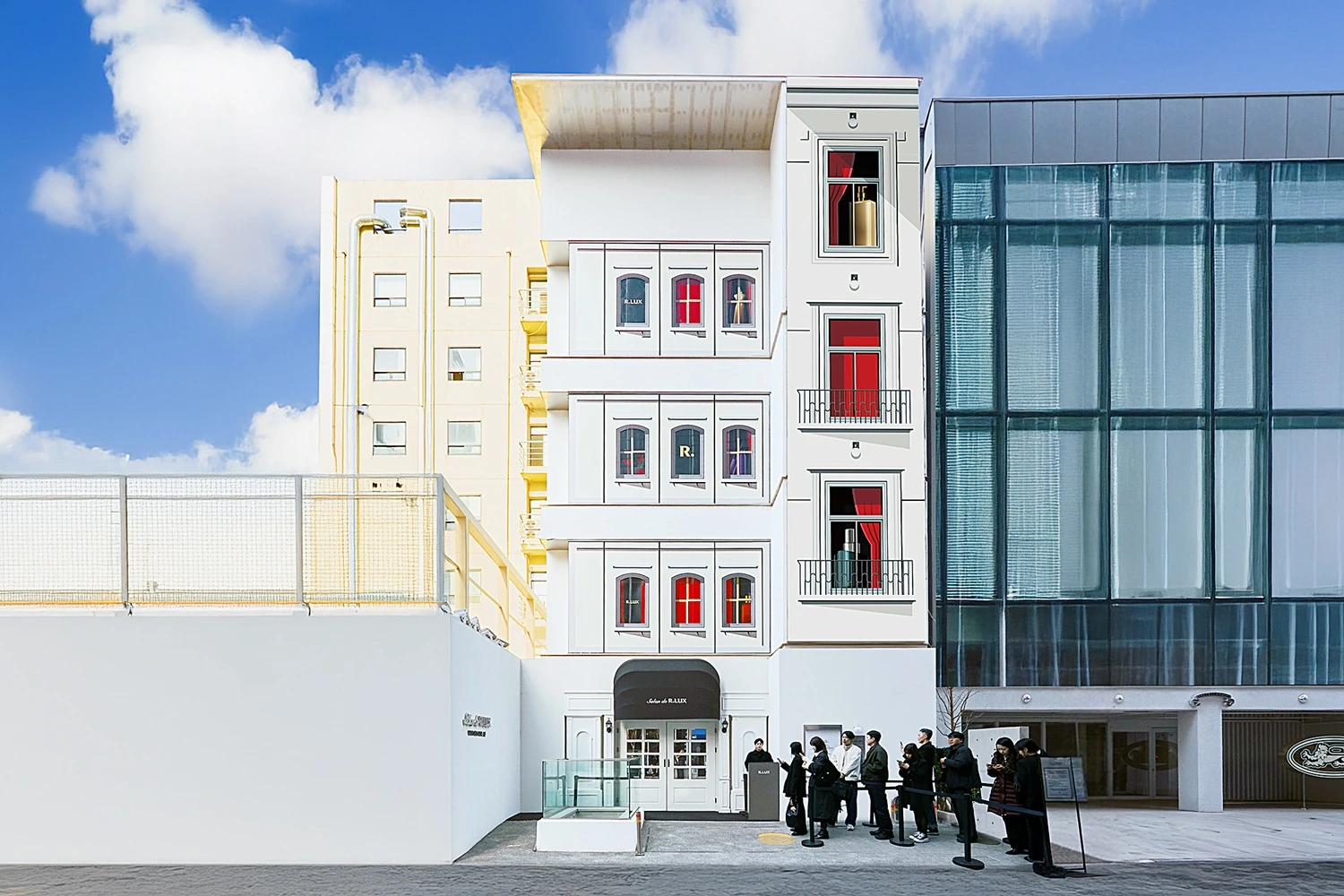
Salon de R.LUX brings Coupang’s luxury beauty service R.LUX into a physical pop-up. Visitors explore a brand gallery, beauty atelier, boutique and lounge, trying products along the way. The master key remembers their choices, while the photo kiosk and docent screen offer other ways to enjoy the salon.
Explore the salon with the master key received on the first floor. Tag products you like on the first and third floors, then collect your choices as a personal memory note on the fourth.
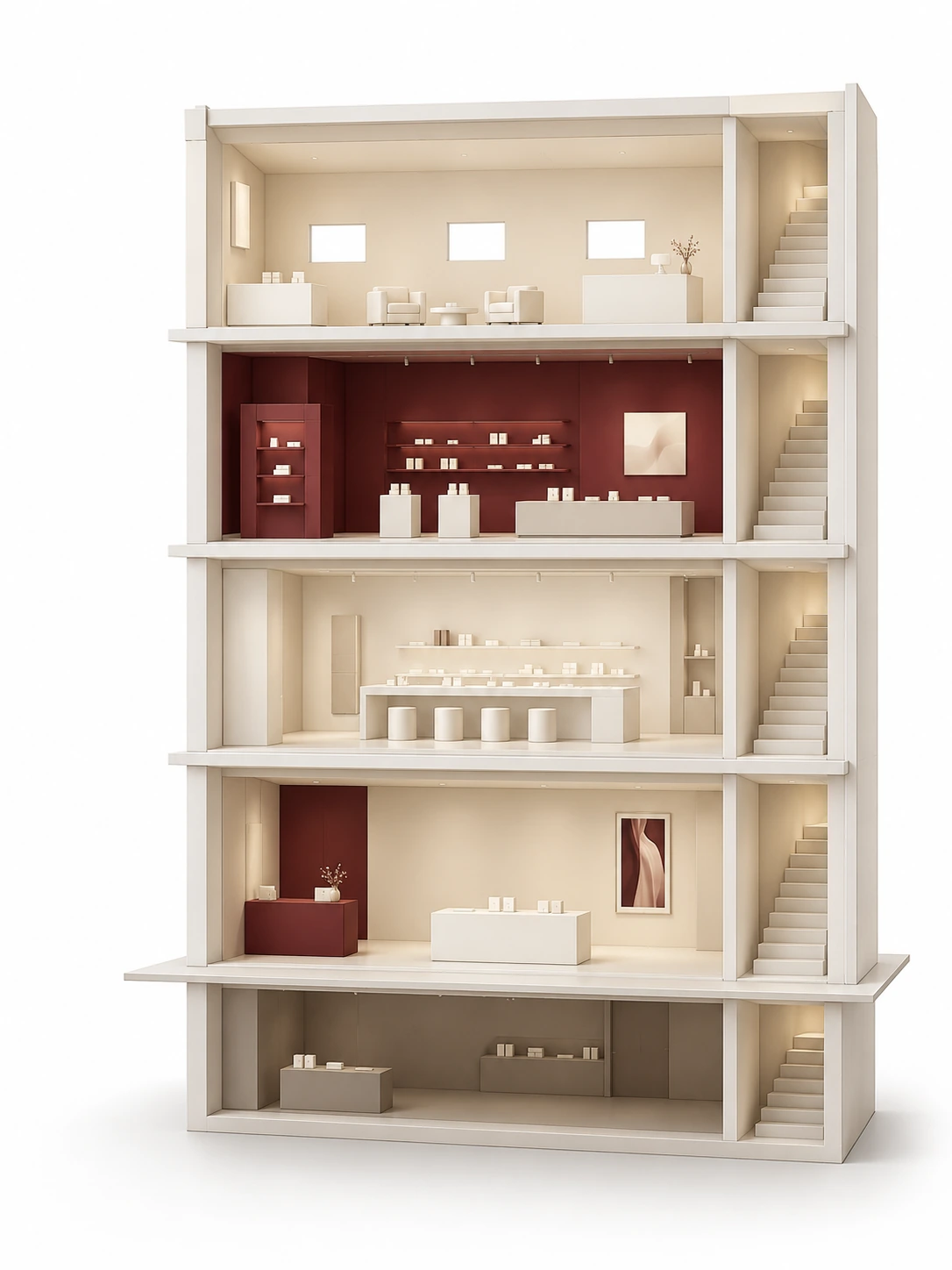 4F Print · Collect 3F Product tagging 2F Atelier 1F Receive key · Tag B1 Space
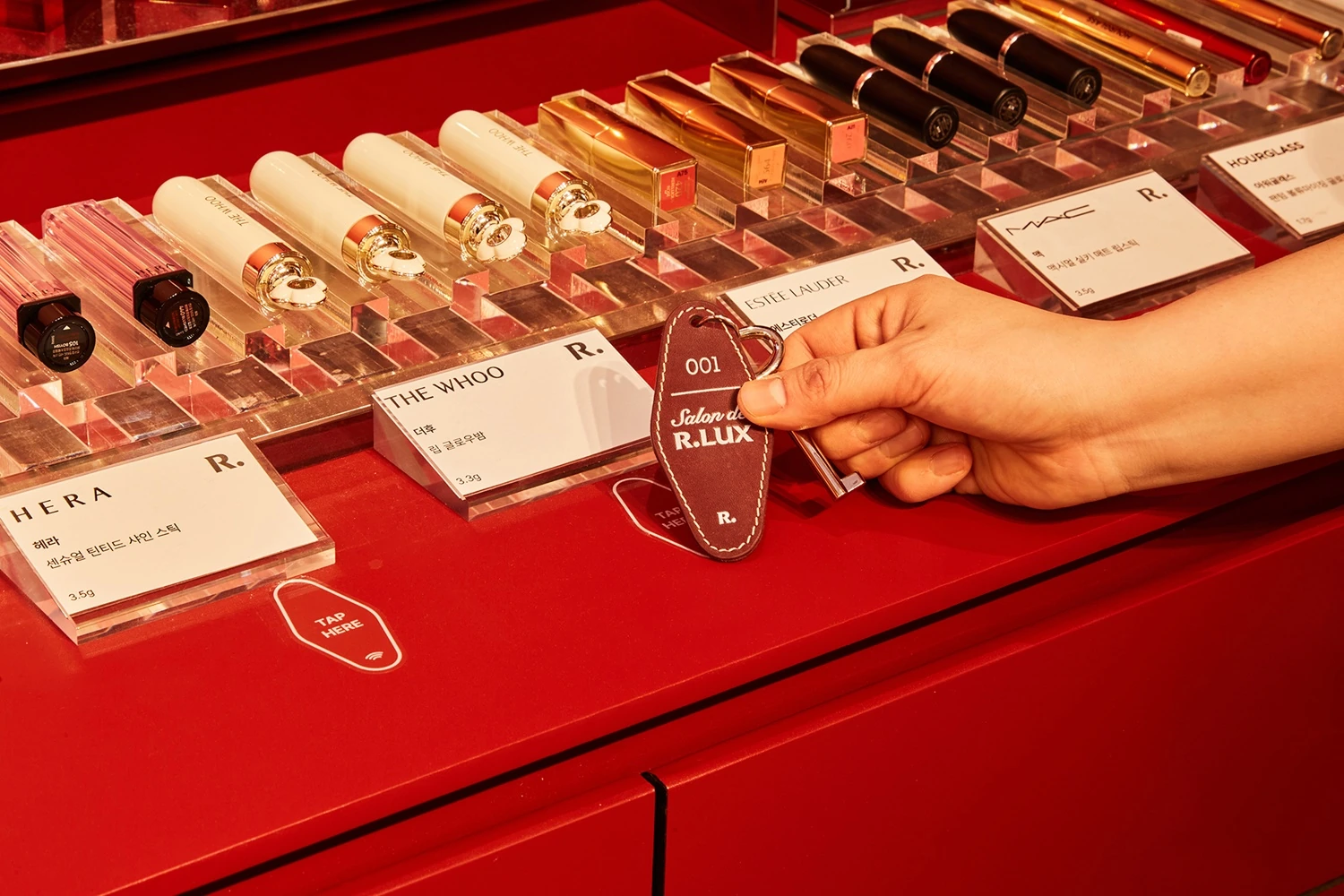
In the brand gallery, tag your favorites from around five products available here.
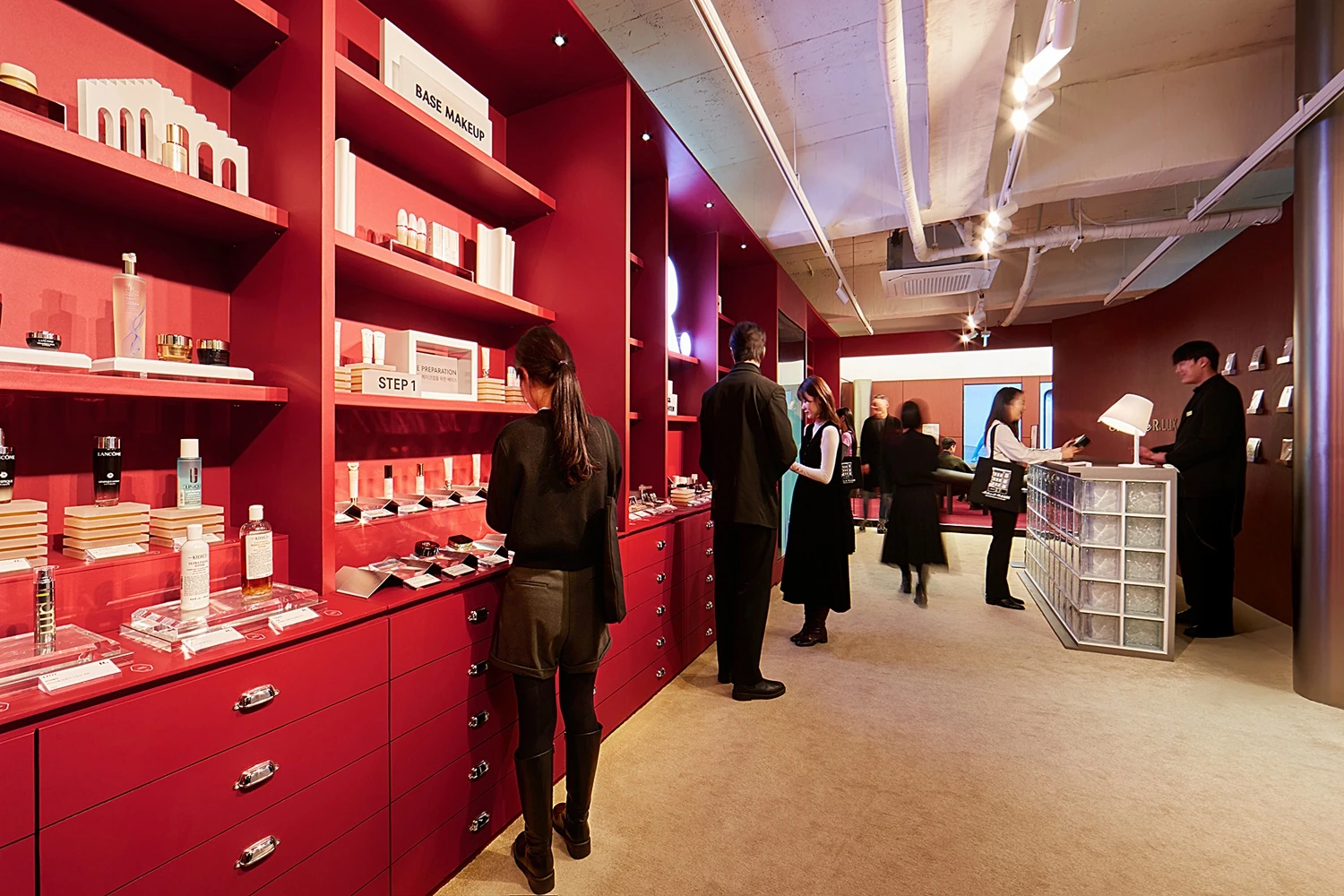
C · Docent touchscreenIn the boutique, tag your favorites from around 50 products available here.
B · Photo kioskUse the same key to retrieve your records and print a memory note.
A · The conclusion of the RFID experienceA Record & print B Photo C Docent
C Docent screen A Master key pickup A Product taggingThe entrance where you receive a key, tag products and discover the brands.
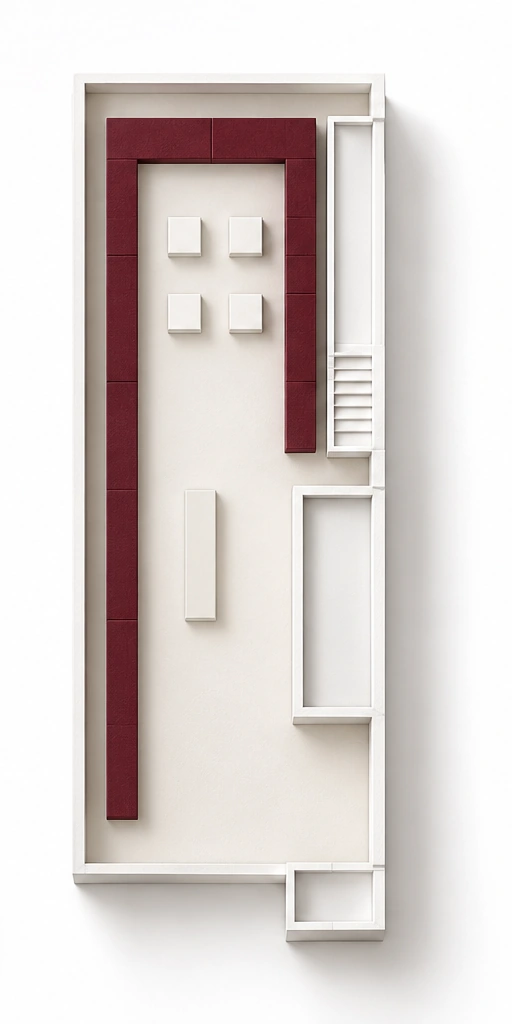 A Product tagging B Photo kiosk
Tag favorite products and record your visit at the photo kiosk.
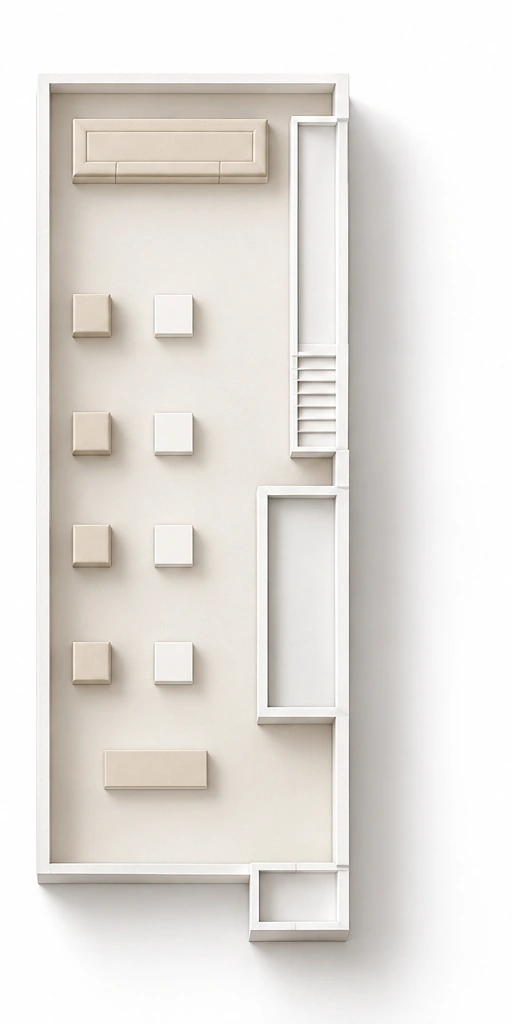 A Memory note
The final lounge, where recorded preferences become a memory note to take home.
Receive a key, explore the spaces and choose products you like. Your selections stay connected to the same key as you move between floors. At the end, take home a receipt that captures your preferences.
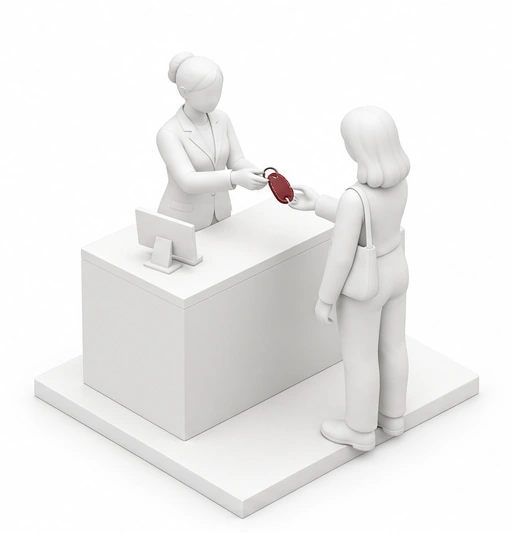
Receive a leather master key at the entrance. Its embedded RFID chip links subsequent choices into one visit record.
In your hand · Your key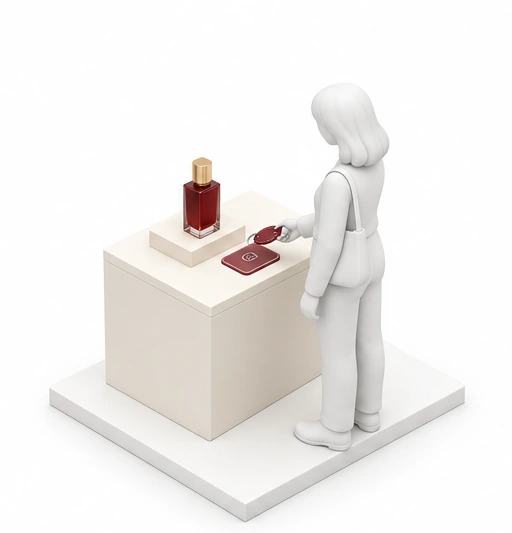
Choose from around five products and hold the key against the tag point in front of your favorite. The selected product is added to your record.
Linked to your key · First product choice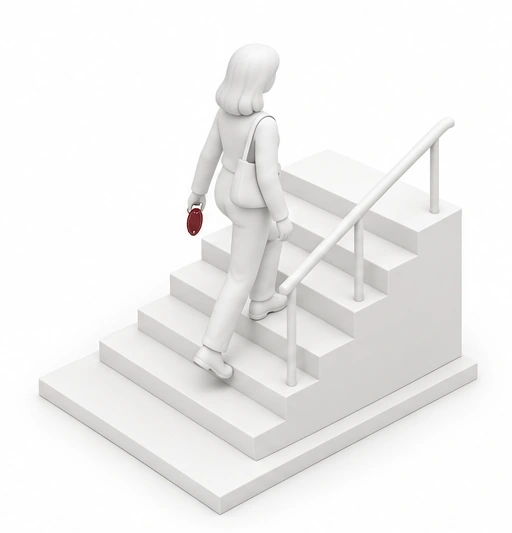
Take the key as you explore other salon spaces. Continue making choices on the next floor with the key you received at the start.
What continues · The same visit record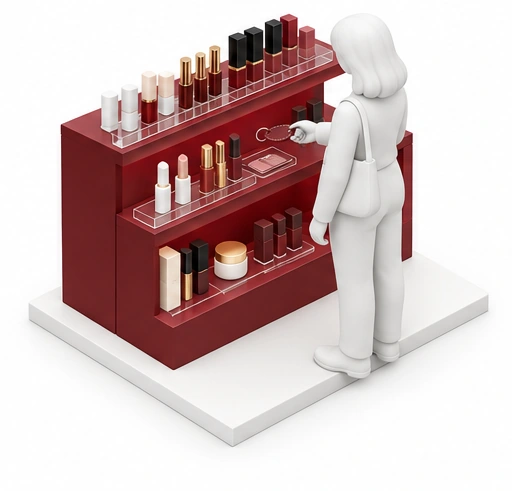
Explore around 50 products and tag the ones that interest you in the same way. New choices join the list begun on the first floor.
Added to your record · Your selected products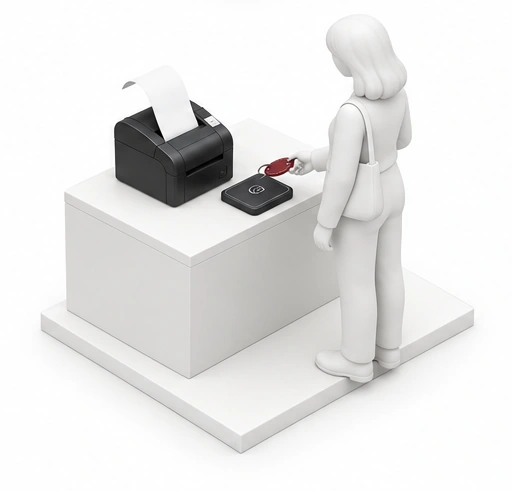
Hold the same key against the reader in the final lounge. It retrieves choices from every floor and prints them as a memory note.
What changes before you · A printed memory note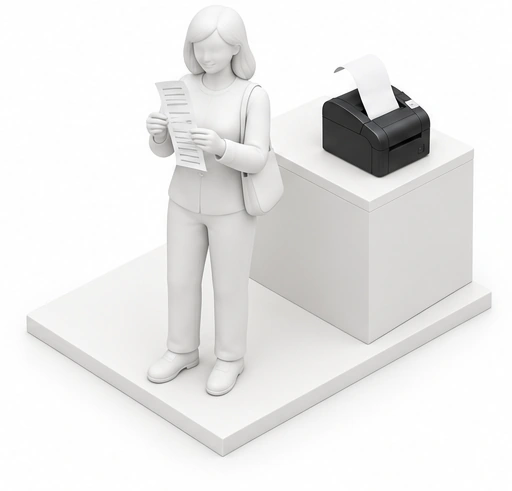
Read your most-selected category and the list of brands and products. What you saw and chose at the salon becomes a personal record to take home.
In your hand · My Memory NoteHold the master key at products that catch your eye—around five on the first floor and 50 on the third. Choices remain part of one record as you move between floors. On the fourth floor, receive “My Memory Note,” listing your selected products and most-chosen category.
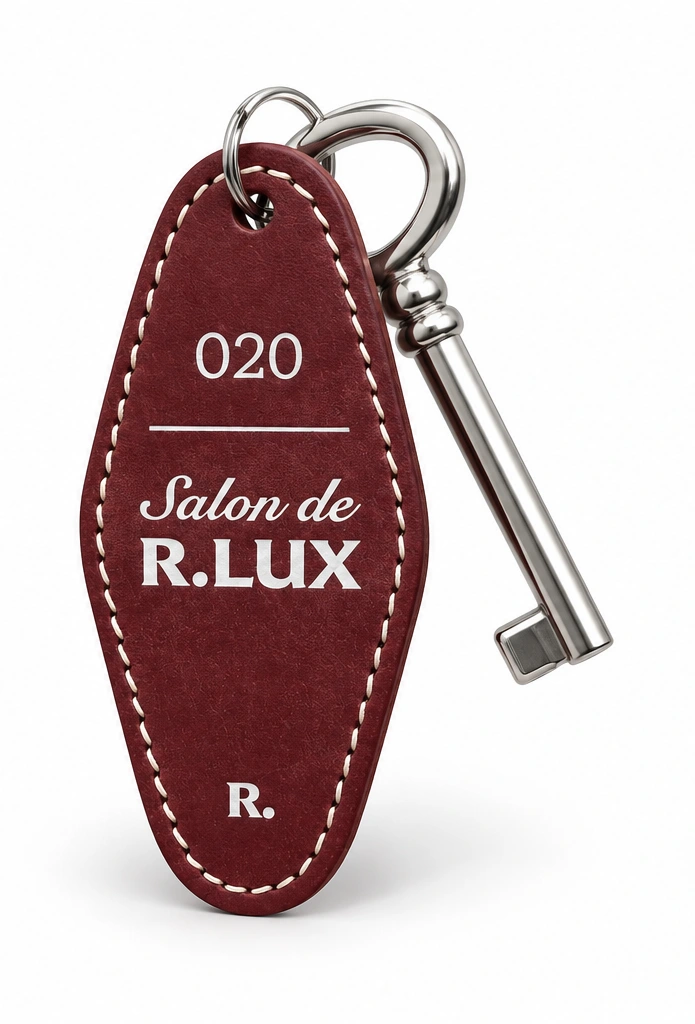 Leather master key · Product model
We fabricated the leather master key as a branded accessory and embedded an RFID chip inside. An object in keeping with the salon’s atmosphere becomes an input device connecting the experience.
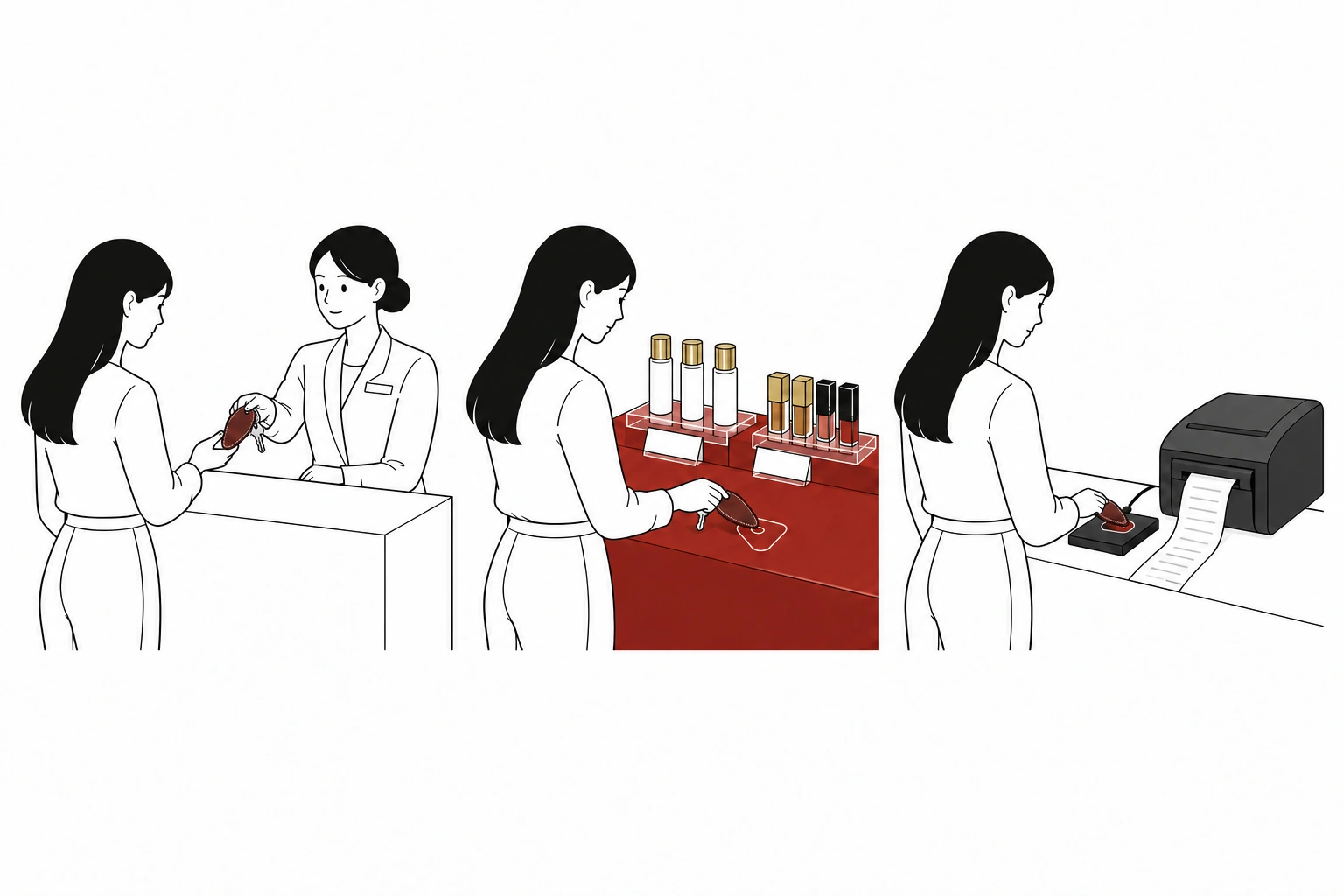
Receive a key at the first-floor reception. The RFID chip inside the leather keyring connects your choices.
Hold the key at the tag point in front of a product you like. Selections from the first and third floors accumulate in the same record.
Tap the same key at the fourth-floor reader to print a memory note of your products and preferences.
Look back on today’s preferences through your most-selected category.
See the brands and products that caught your interest on one sheet.
Turn what you saw and chose into a record you can take with you.
Take or upload a photograph at the photo kiosk integrated into the third-floor wall, then choose an R.LUX frame. Adjust the photo’s size and position and download the finished image to your phone via QR. Your visit lives on in a frame of your own choosing.
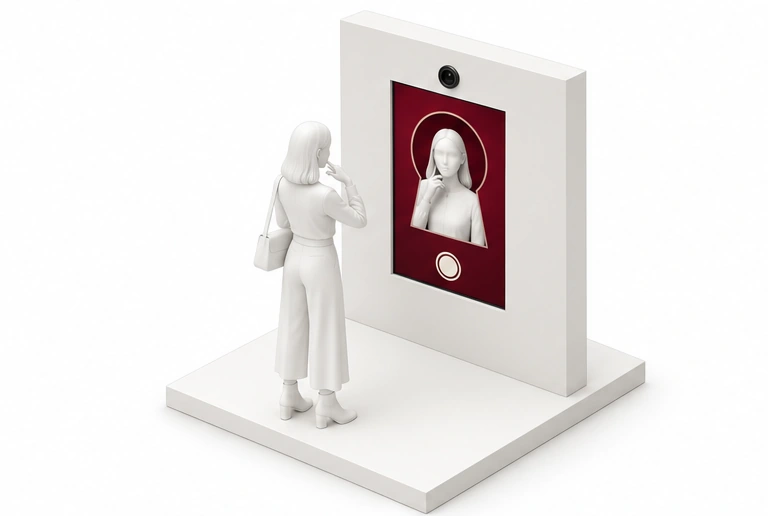
Take a photograph with the kiosk camera or use QR to upload one from your phone.
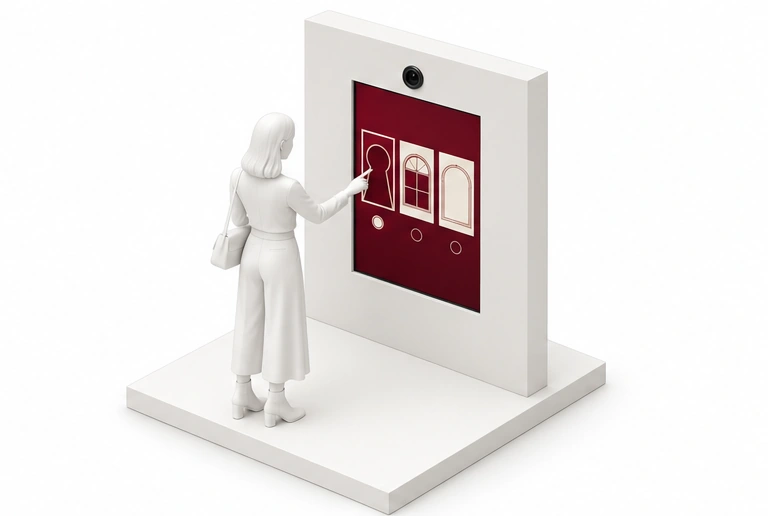
Choose an R.LUX frame: keyhole, window or arch.
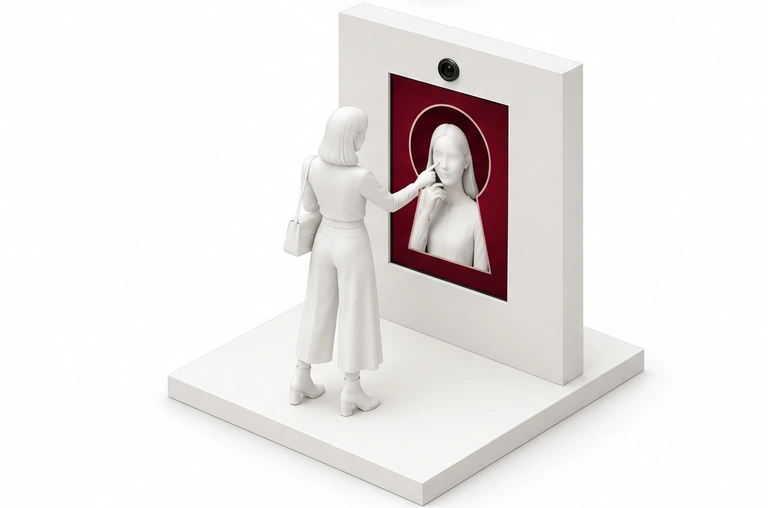
Adjust the photograph within the frame and preview the final result.
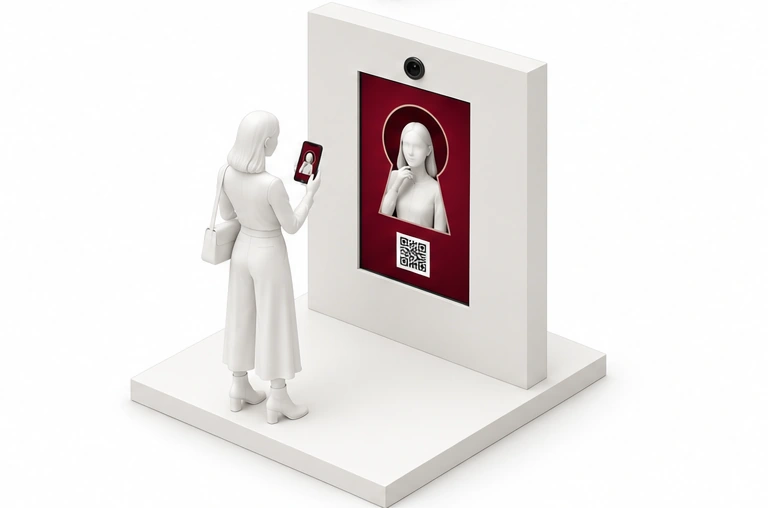
Scan the QR on the final screen with your phone and download your finished image.
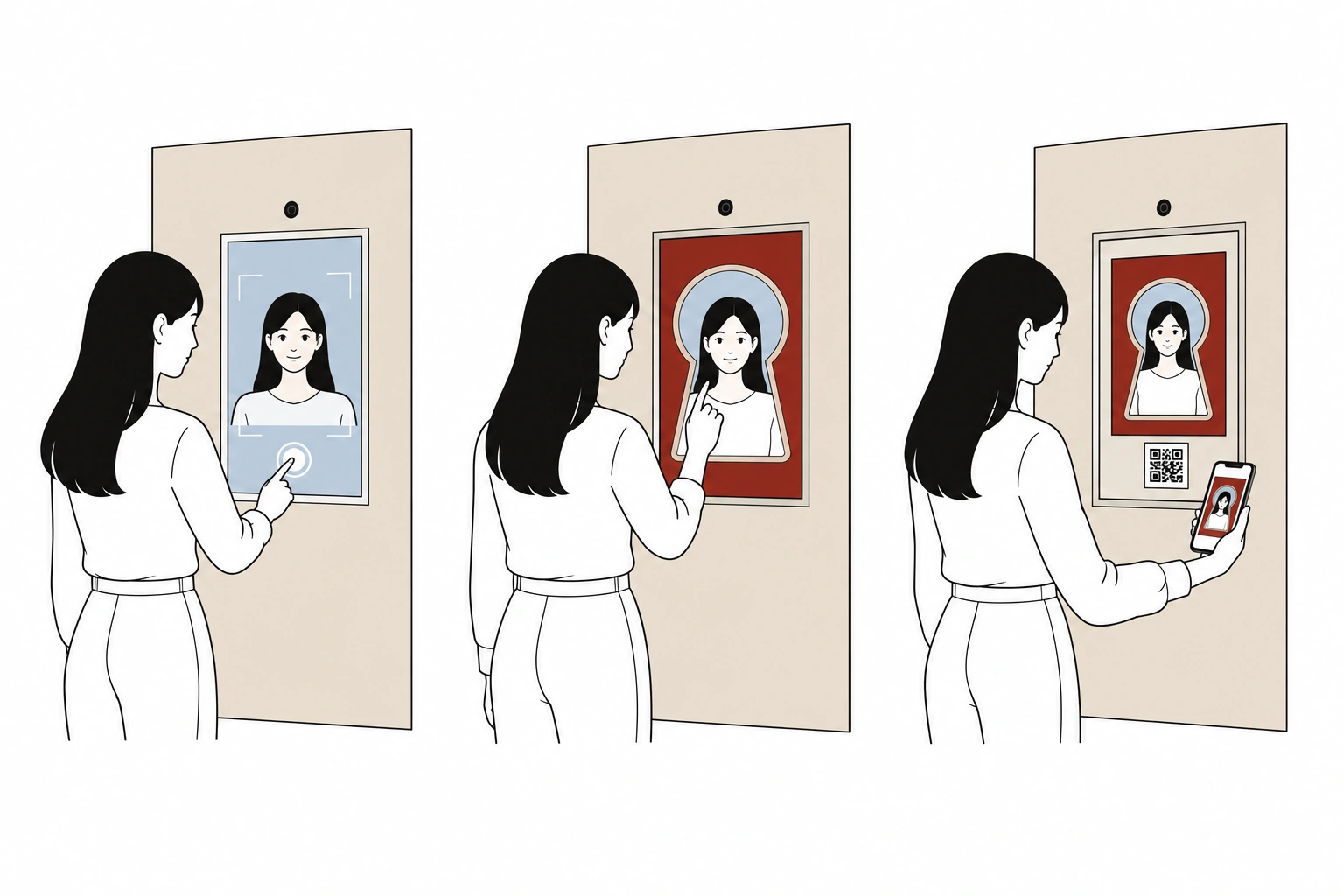
Touch the screen to begin shooting. Use QR to upload a photograph from your phone.
Add a frame, adjust your photo’s size and position, and preview the finished image.
Scan the final screen’s QR and save the image. Keep the photograph you made at the salon on your phone.
Prepare a photo, choose a frame and composition, then receive the result via QR.
Photo kiosk interface concept
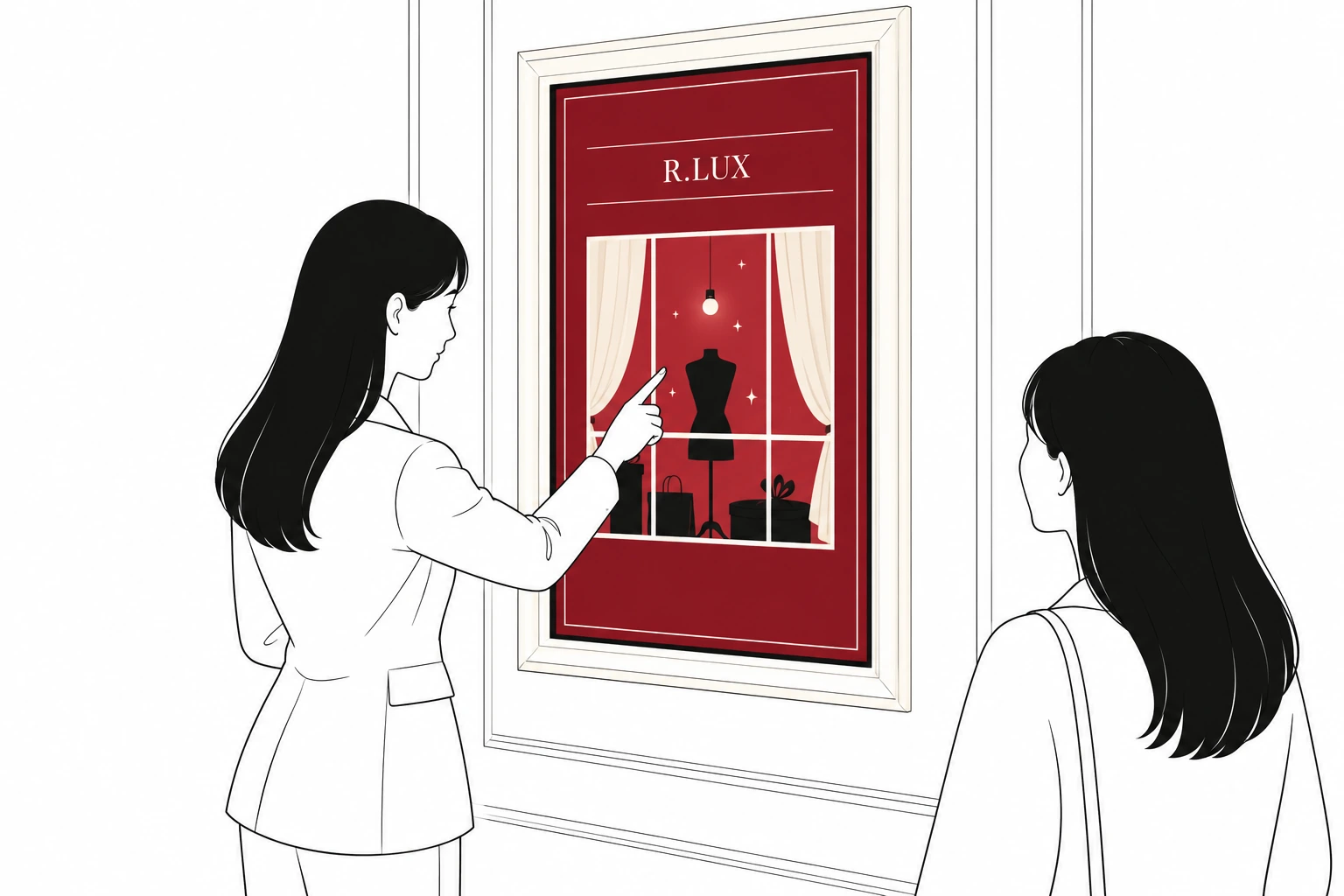
The framed touchscreen on the first floor connects the docent’s explanation with visitors’ attention. We developed a touch interface that allows the guide to introduce the brands and space by directly operating the screen.
From RFID devices and wiring inside the display counters to the key-reading print station and wall-mounted photo screen, the visitor experience is supported by installation and operational checks tailored to the space.