Cass’s 2023 CASSCOOL summer campaign
CASSCOOL Summer Pop-up
Interactive Experience Systems
Hongdae, Mapo, Seoul · CASSCOOL main pop-up on Jandari-ro · Lemon Squeeze pop-up
2023.06.27 – 08.12
Create, play together, and take home your own Cass.
We created experiences that deliver a custom art can, four jump photos, and a 15-second turntable video right into visitors’ hands.
A pop-up on Hongdae’s streets,
with experiences across three spaces
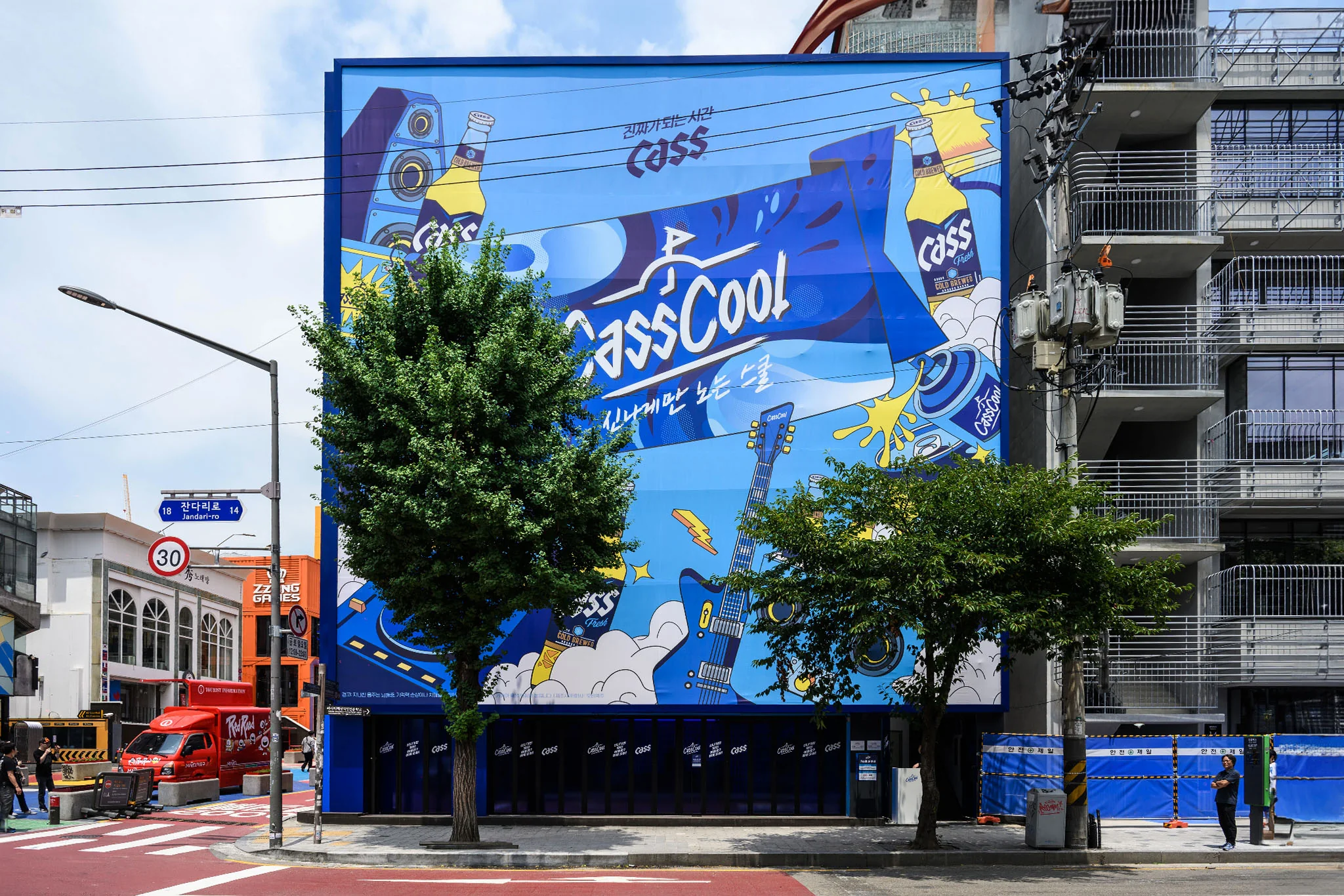
In summer 2023, Cass opened the CASSCOOL main pop-up and nearby Lemon Squeeze pop-up on Jandari-ro, Hongdae. The main venue connected a parking-area Cool Lounge, first-floor Play Zone and second-floor Art Can Zone. KNOVCOMPILE planned, developed, produced and installed the Art Can experience and street-facing window LED, trampoline photo zone, and Lemon Squeeze turntable video booth across these spaces.
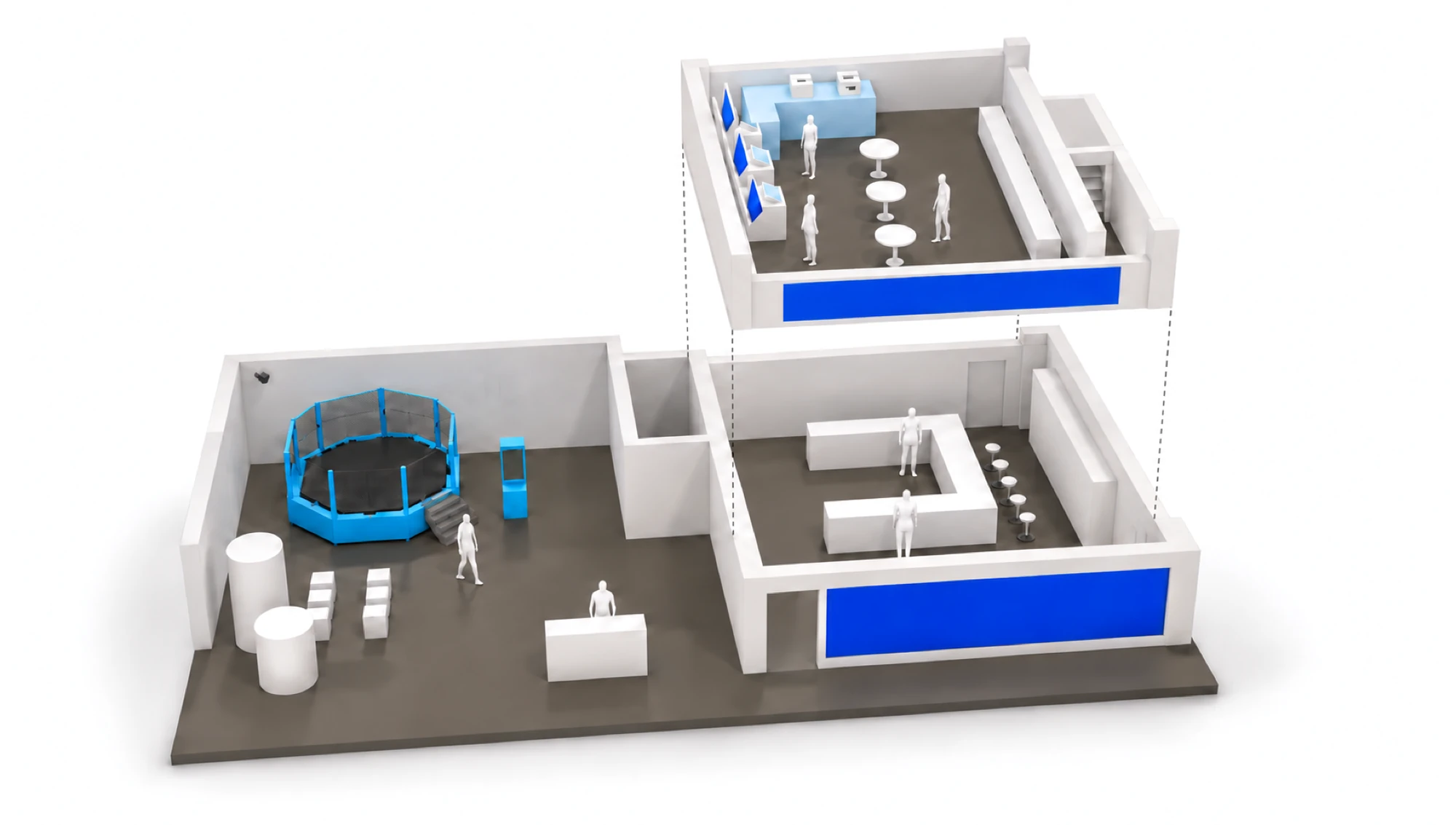
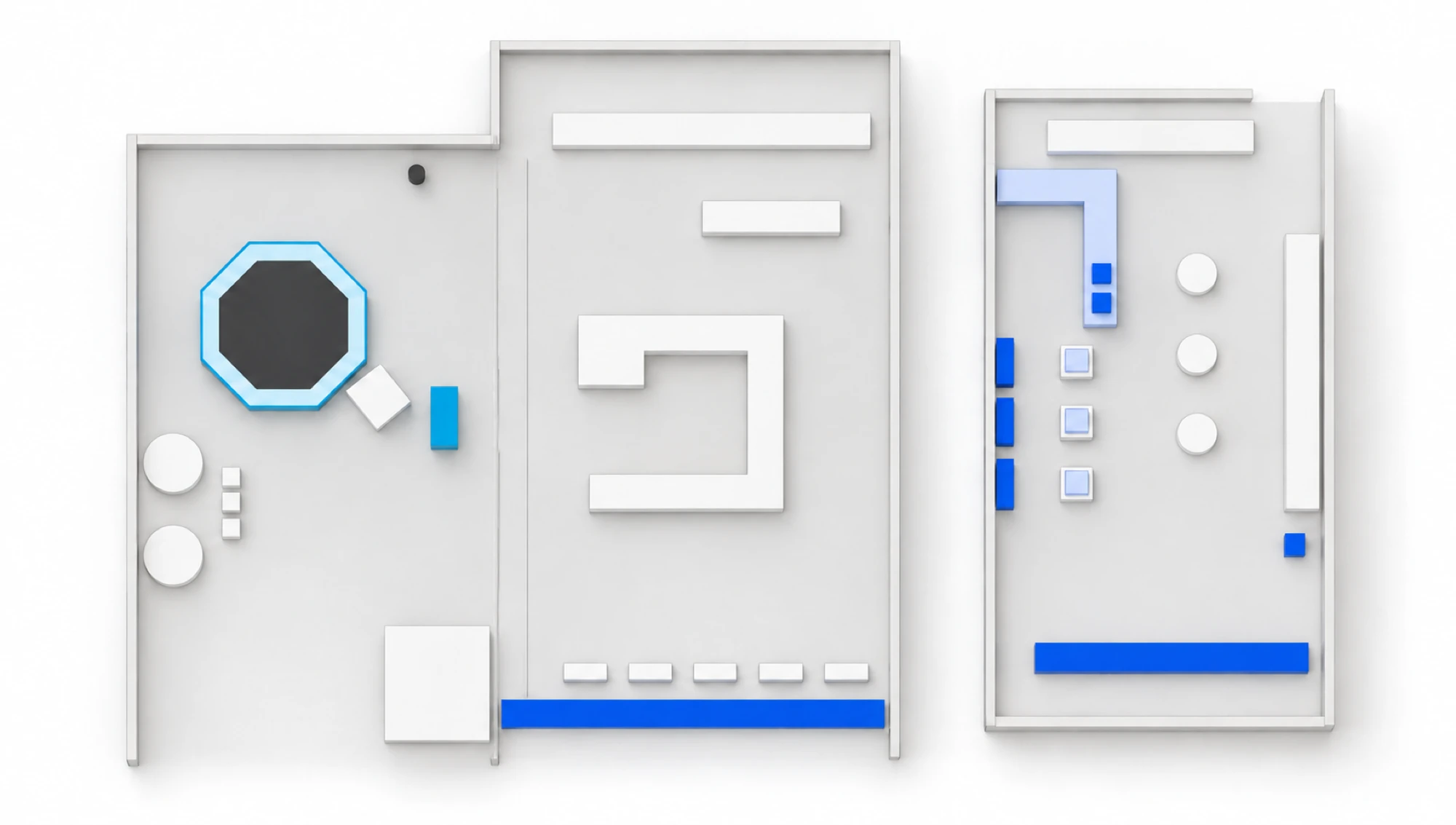 B Jump Photo Zone A Window LED A Drawing stations A Print Zone A LED Photo Zone
Enlarge: Second-floor Art Can Zone
How the experience unfolds
 Drawing · 3D preview
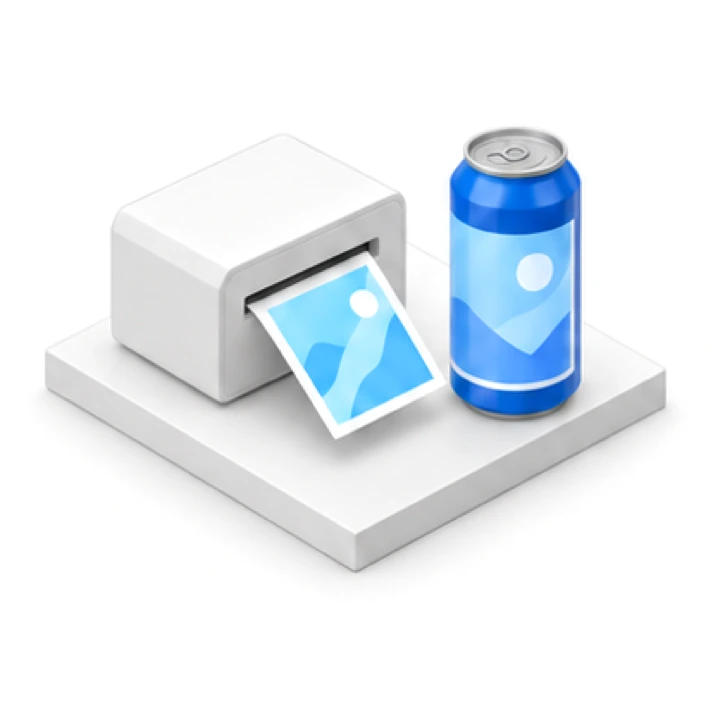 Label printing
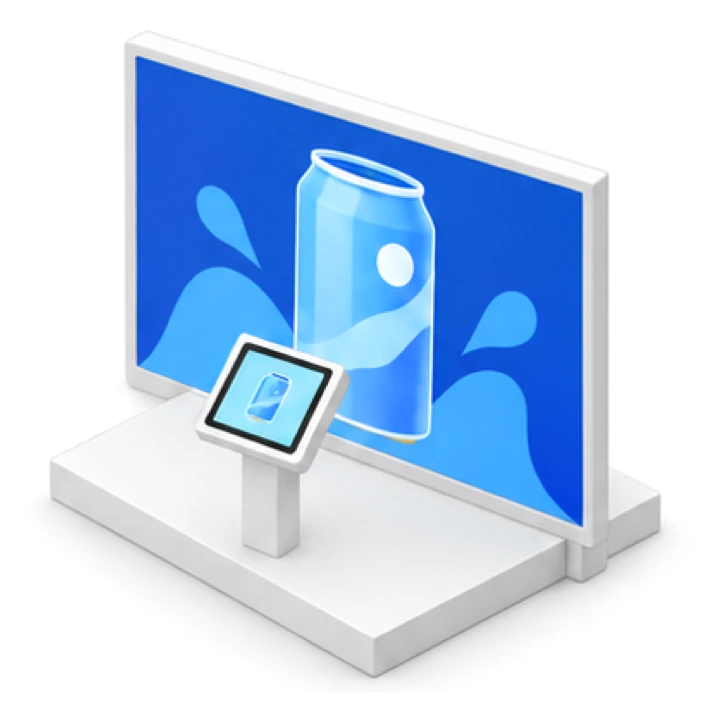 LED output
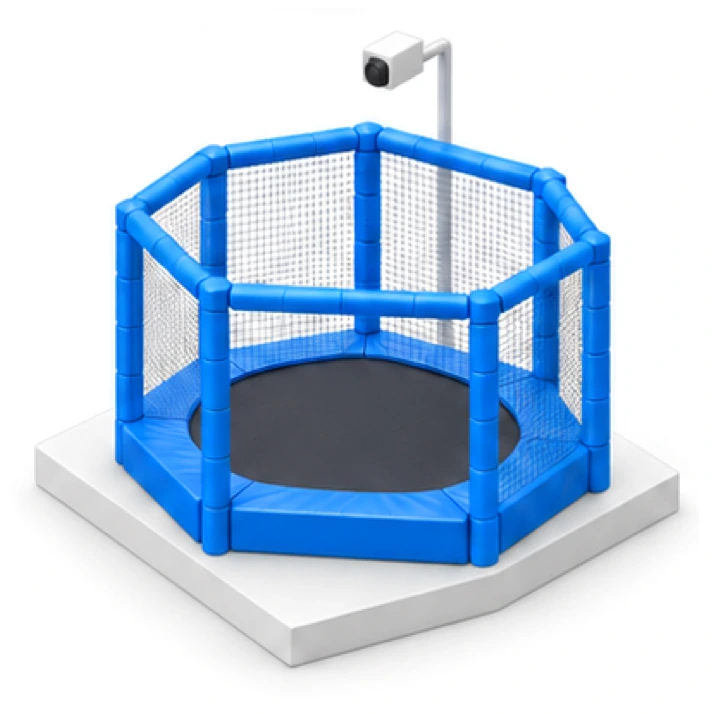 Capture the jump
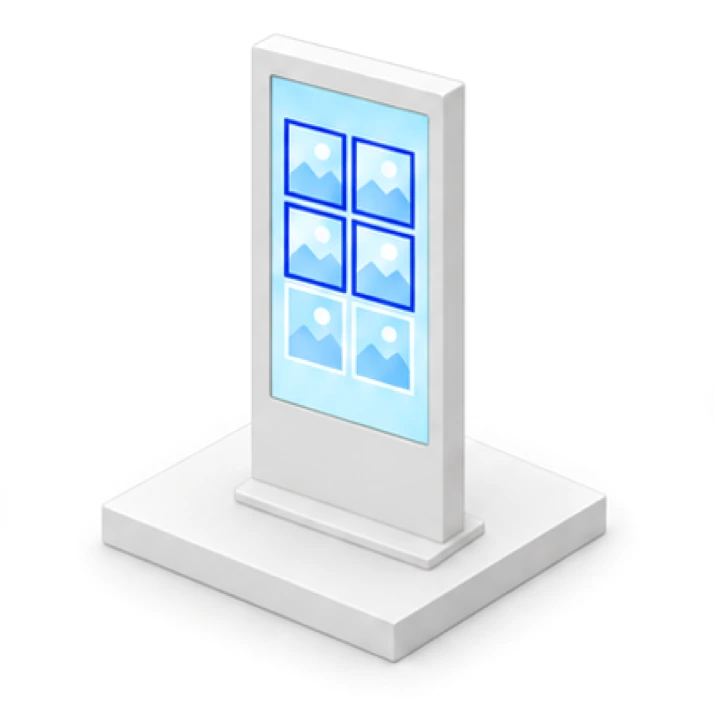 Choose four photos
 Download by QR
 15-second turntable recording
 Choose a clip
 Download by QR
Photos and drawings,
on your own Art Can
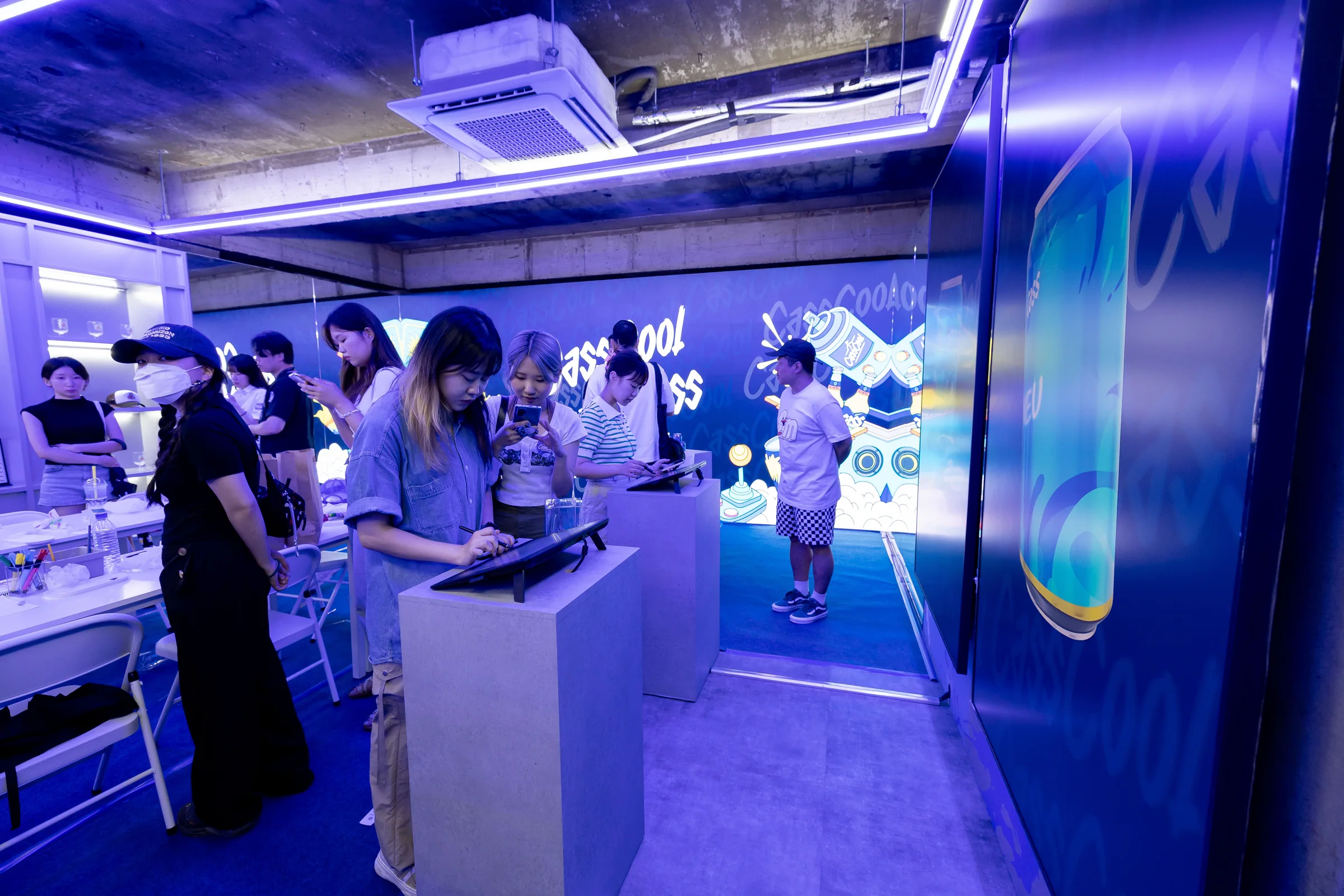
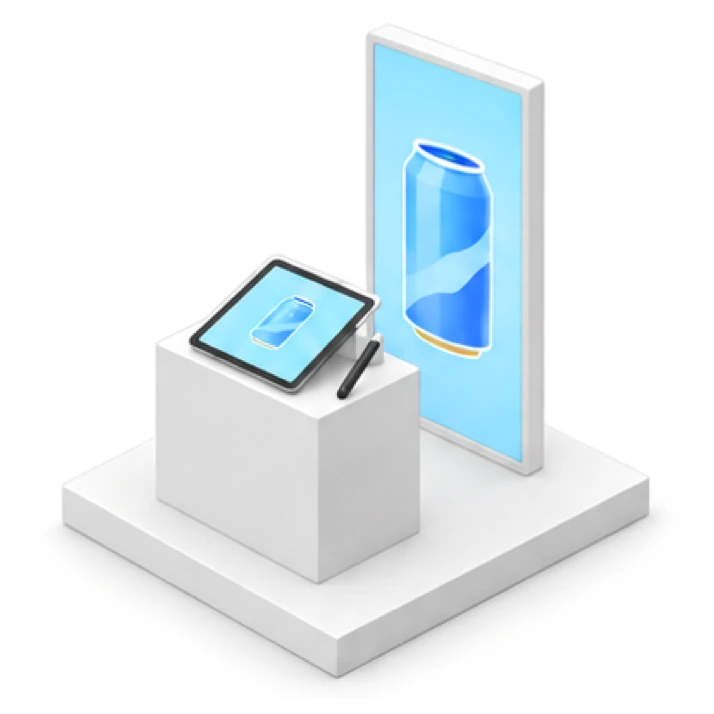
Scan the pen display’s QR code to upload a photo, then decorate your can cover with a nickname, brushes and stickers. As you draw, a 3D can wearing your design rotates in real time on the portrait screen behind you. The Print Zone produces a can-sized label to wrap around a real Cass can. Scan the label’s QR to download your 3D can video.
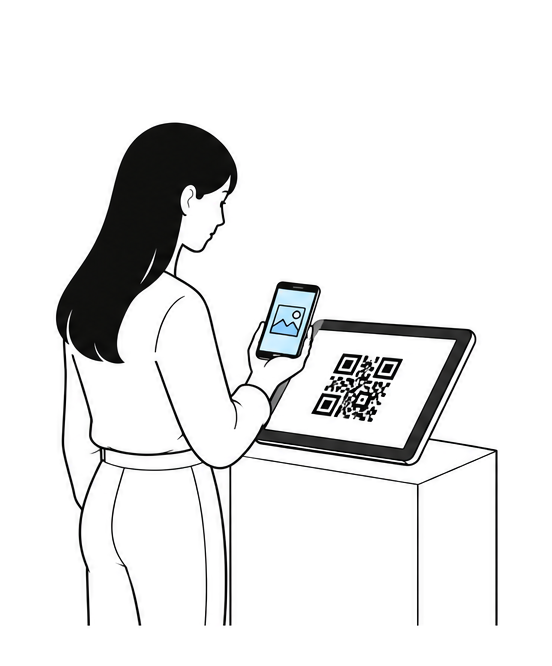 Upload your photo by QR
Scan the QR with your phone to send a photo to the pen display.
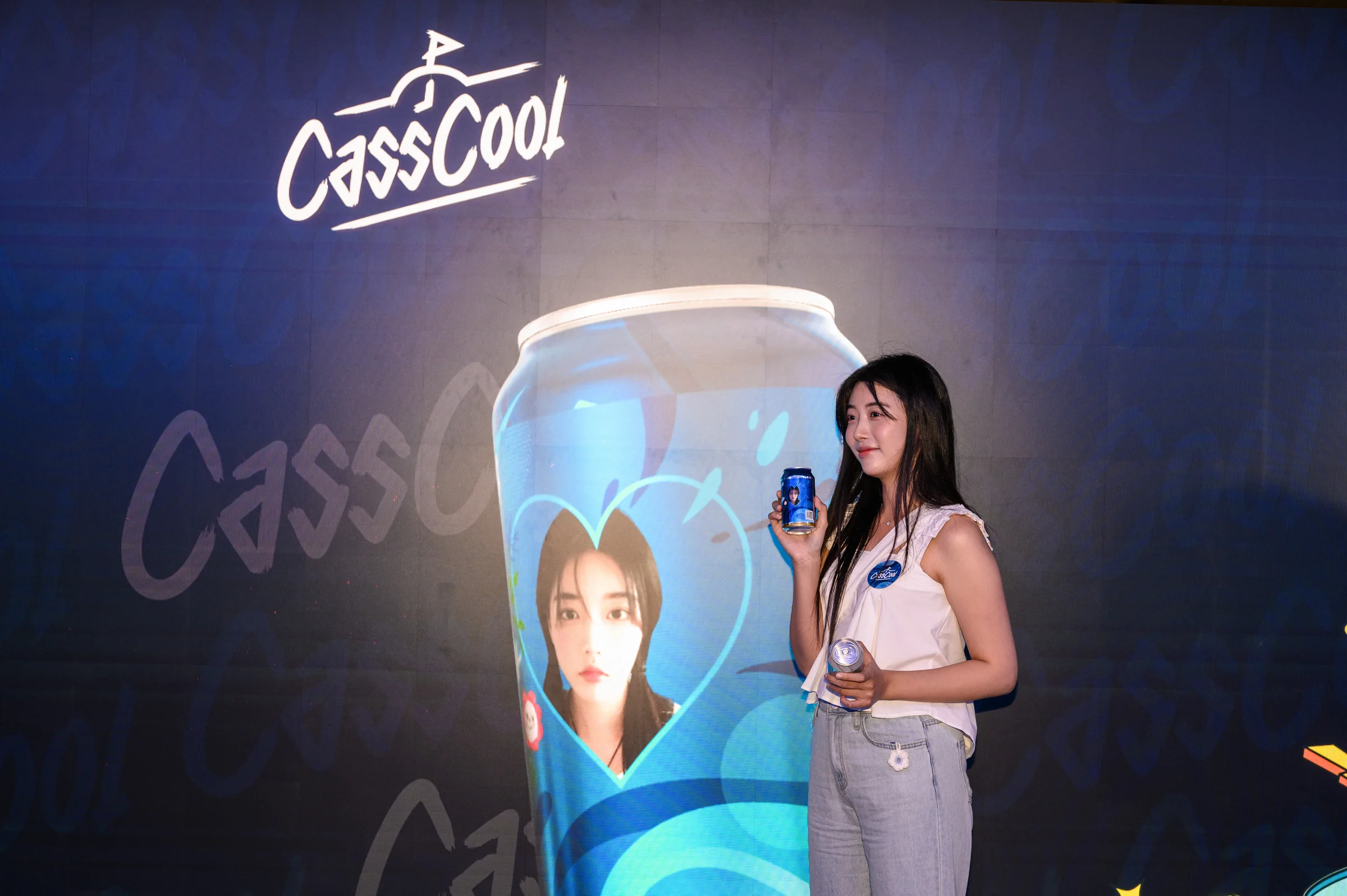
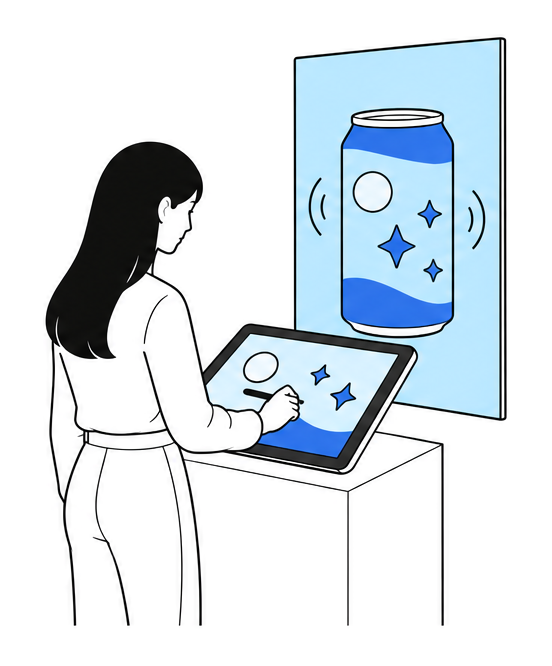 Your drawing, instantly on a 3D can
Your nickname, brushwork and stickers appear immediately on the 3D can behind you.
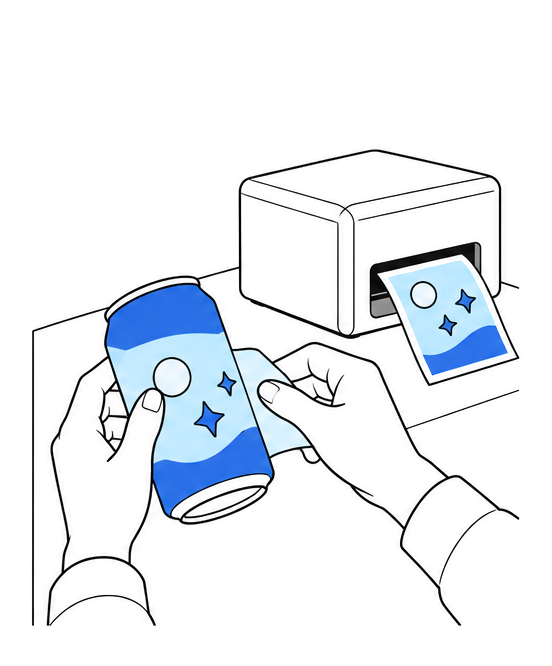 Print a label, wrap your can
Your finished design becomes a can-sized label to wrap around a real can and take home.
Your Art Can design,
on a giant LED screen
At the upstairs LED Photo Zone, select your design on a tablet and pose before a giant 3D can. On the street-facing window LED, four designs selected through the admin website rotate as 3D cans, while two cameras outside the building bring passersby into the screen alongside them.
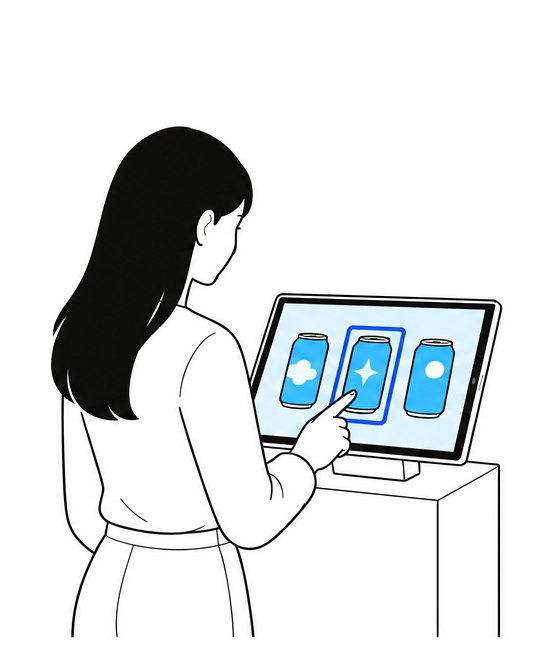 Select your design on the tablet
Use the upstairs tablet to choose your design for the LED screen.
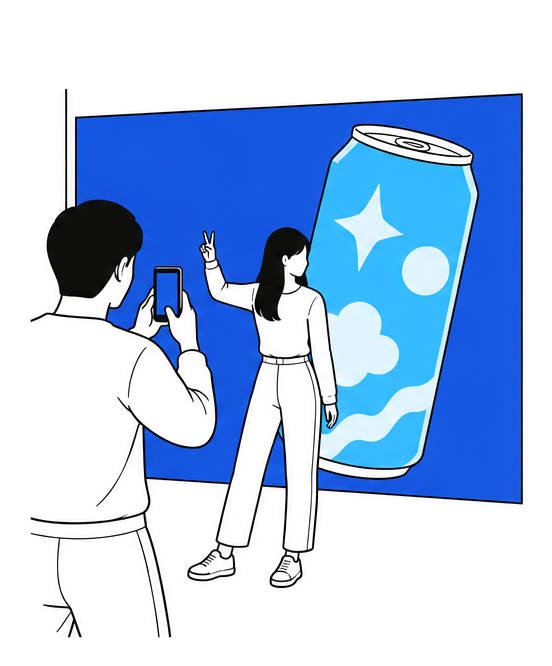 A giant can in the LED Photo Zone
Take a photo in front of your design on the giant 3D can.
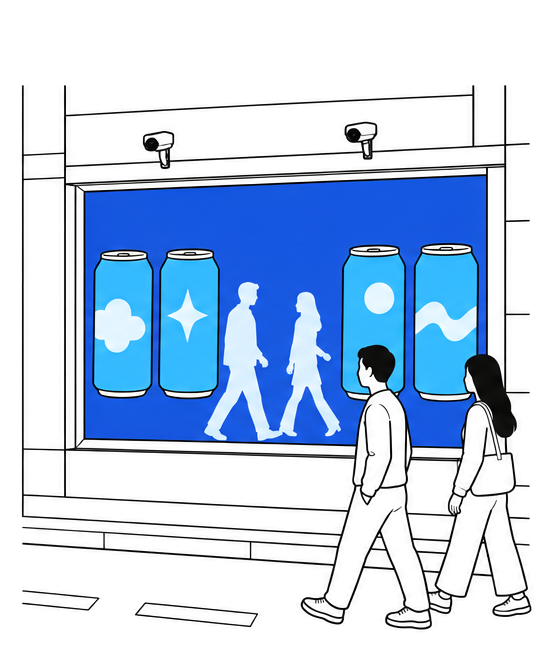 The street-facing window LED
The first-floor window LED combines four selected designs with passing visitors.
From photo upload, drawing and 3D preview to label printing and LED output on both floors,
we connected the entire experience through one application and server.
The instant you jump,
in four frames
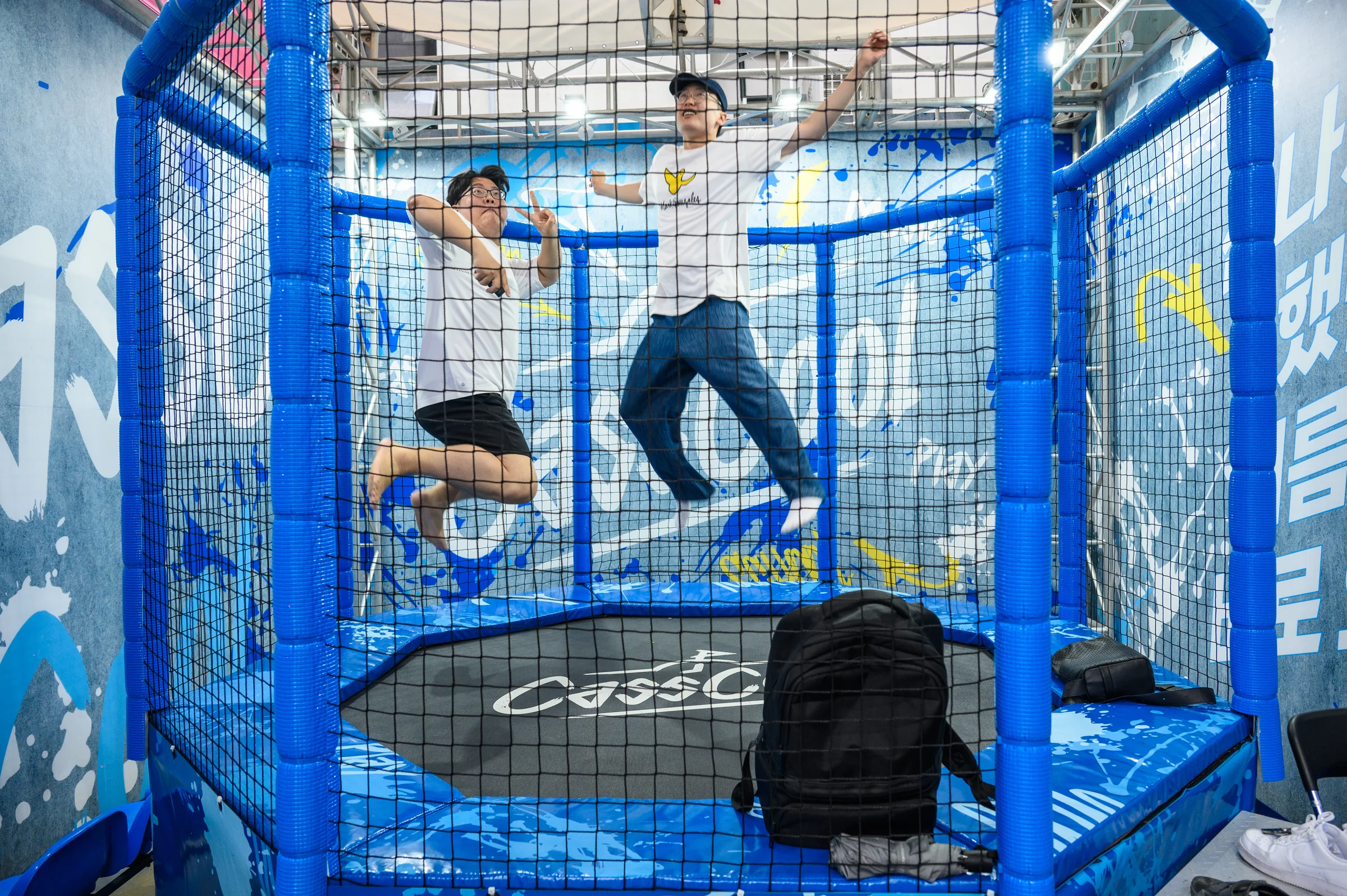
An octagonal netted trampoline stood in the parking-area Cool Lounge. A wall-mounted overhead camera looked down as staff triggered the shutter by remote at the moment of the jump. Photos appeared on the adjacent kiosk. Visitors chose four, which were combined, sent to the server and made available by QR download.
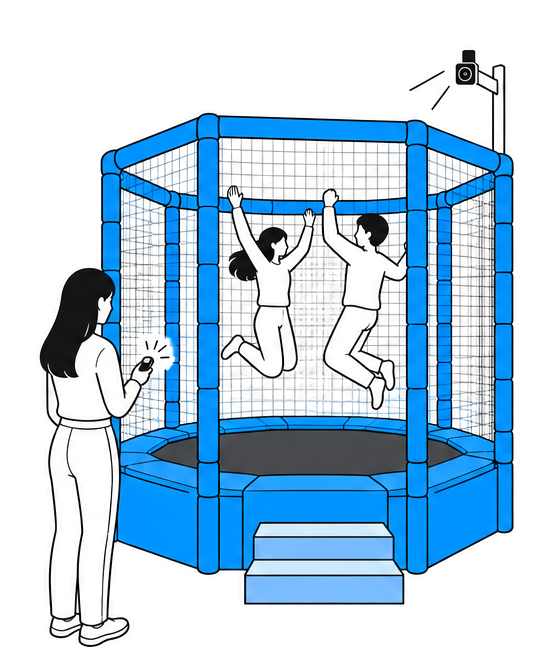 Capture the moment of the jump
Staff use a remote to capture the jump from the wall-mounted camera above.
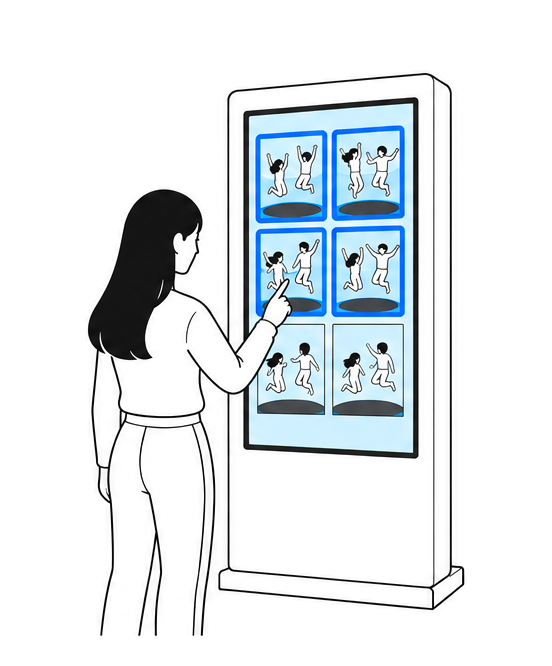 Choose four photos on the kiosk
Choose your favorite four photos from the kiosk preview.
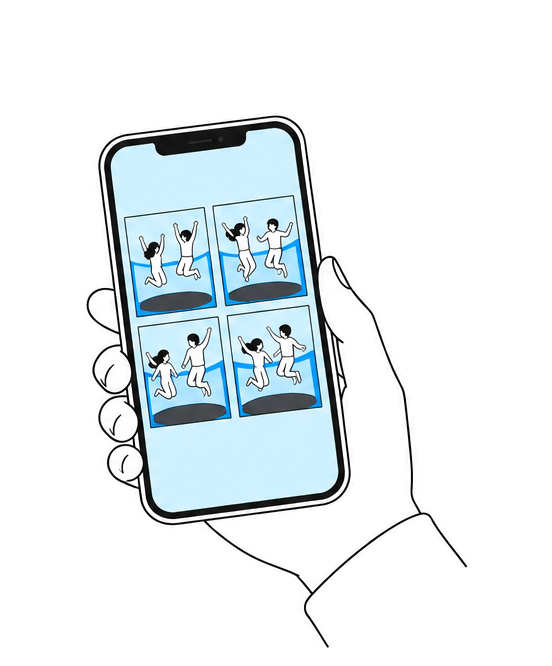 Download your four frames by QR
Your four selected photos become a collage to download by QR.
Camera control, photo selection, collage creation and delivery
were connected through a single kiosk.
Spinning movement and expressions,
in one video
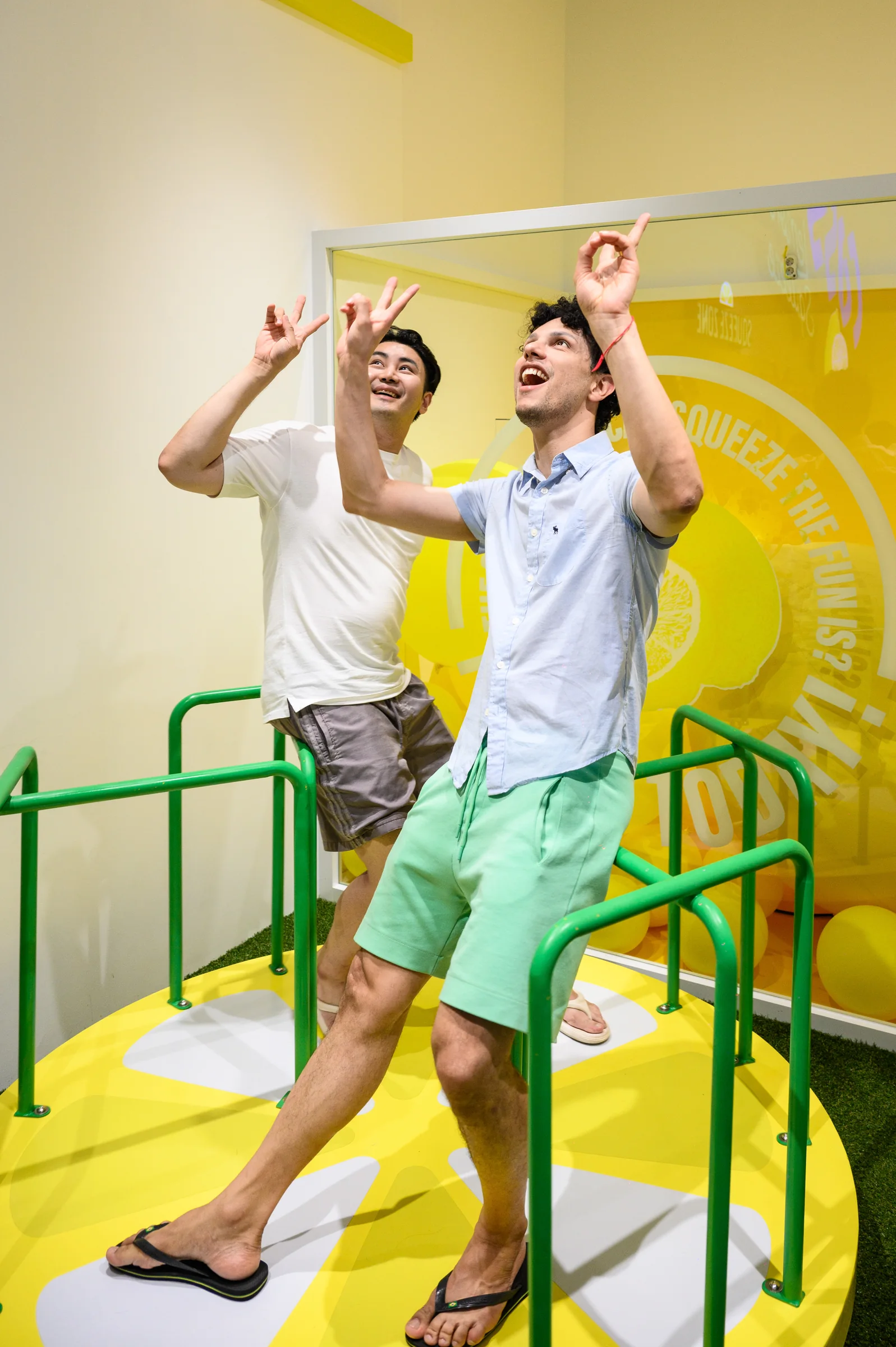
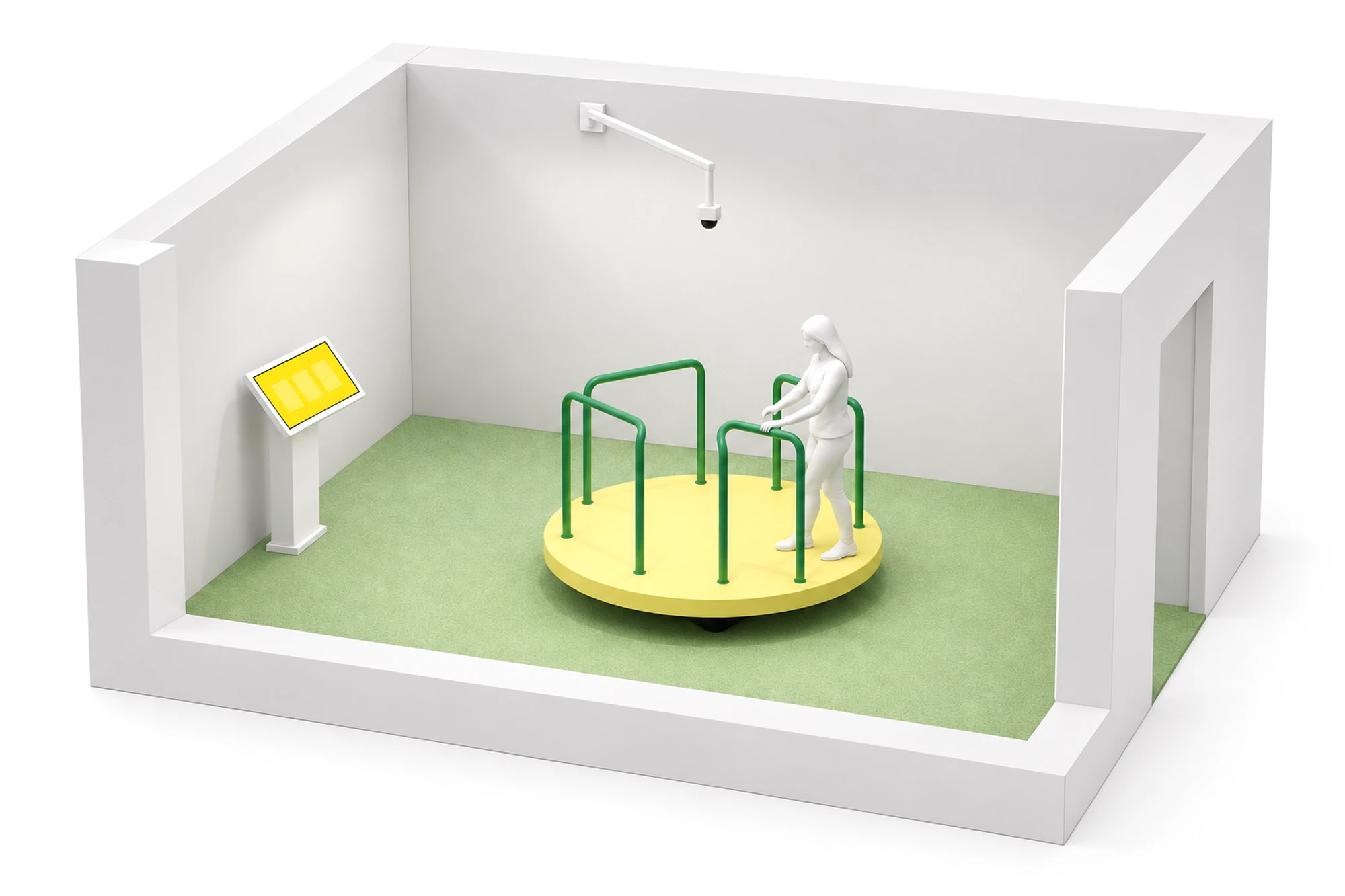
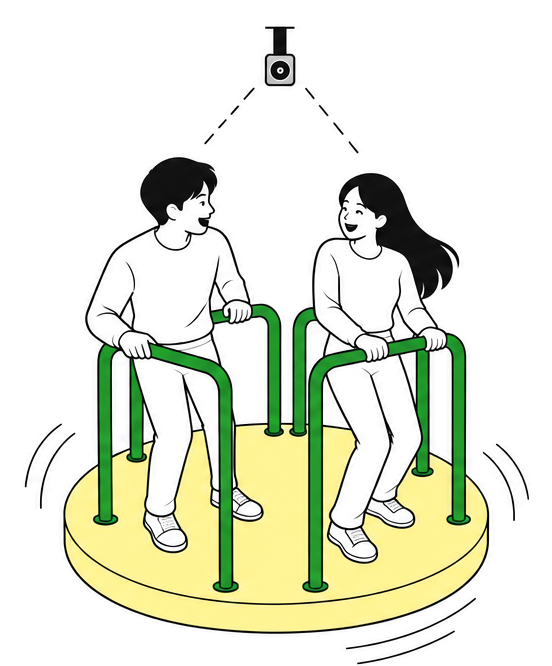
At the nearby Lemon Squeeze pop-up, a turntable stood in the middle of a yellow room. Step on, hold the handle and spin as the ceiling camera records 15 seconds from above. The kiosk presents three clips—0–5, 6–10 and 11–15 seconds. Your chosen clip is uploaded for QR download as a portrait video.
 15 seconds on the turntable
The ceiling camera records 15 seconds while you spin.
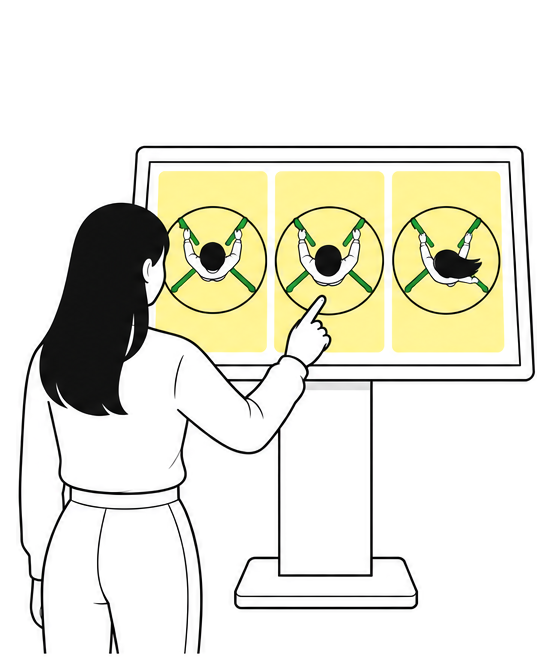 Choose one of three clips
The kiosk splits the recording into three clips for you to choose from.
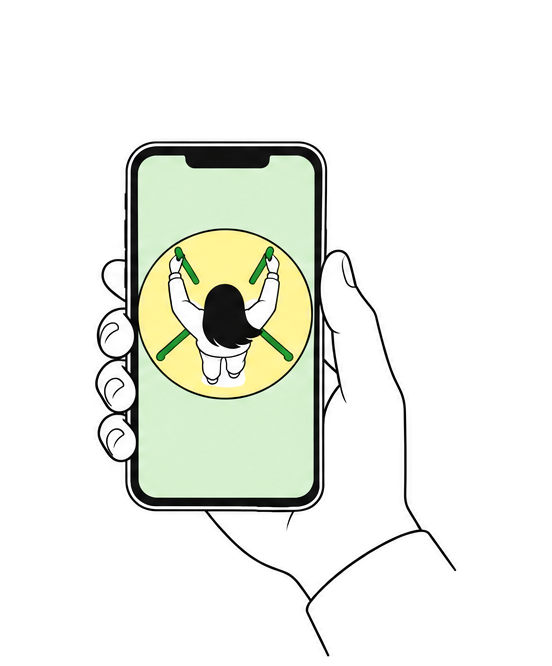 Download the portrait video by QR
Your chosen clip is uploaded for QR download as a portrait video.
We built the turntable filming booth,
connecting recording, splitting, selection and delivery in one kiosk flow.
From input
All the way to a take-home result
Visitor tablet · Admin website
Server storage · Label layout
2F LED · 1F window LED
Kiosk touch input
Four-frame composition · Server upload
Kiosk touch input
Selection · Upload
On-site documentation
On-site documentation video
Credits
- Client
- Cass (Oriental Brewery)
- Agency
- FIG
- Event
- Cass’s 2023 CASSCOOL summer campaign
CASSCOOL main pop-up · Lemon Squeeze pop-up
Jandari-ro, Hongdae · June 27–August 12, 2023 - Photography · Video
- FIG · KNOVCOMPILE
- Drawing application development
Data storage server operation
Real-time custom data output
Real-time LED video output
Trampoline photo kiosk development and production
Turntable photo booth development and production
QR download page development
Image download web server setup - KNOVCOMPILE